In this release from start of August 2026 we introduced and released in parallel:
Our dedicated label printing app that is integrated in Containd and works on its own.
Besides that we added a dedicated tool to place measurement bars to the background which can be calibrated for each background.
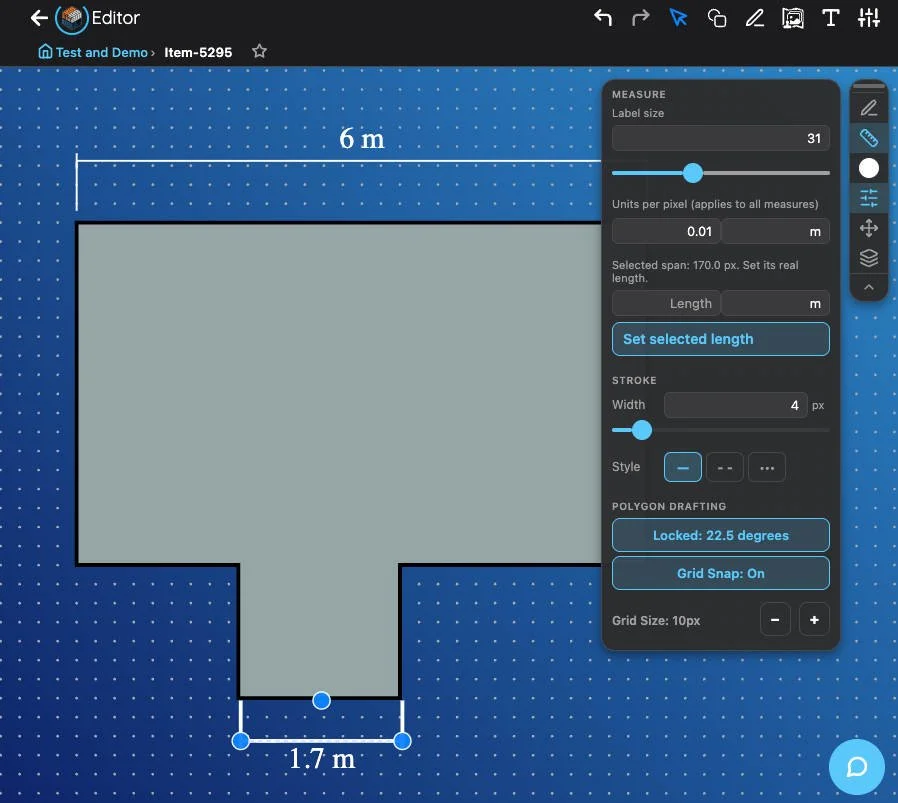
Stroke width and font-size as well as grid snap and directional lock can be adjusted in the settings. Additionally, the calibration of 1 <measurement unit> per screen canvas px.
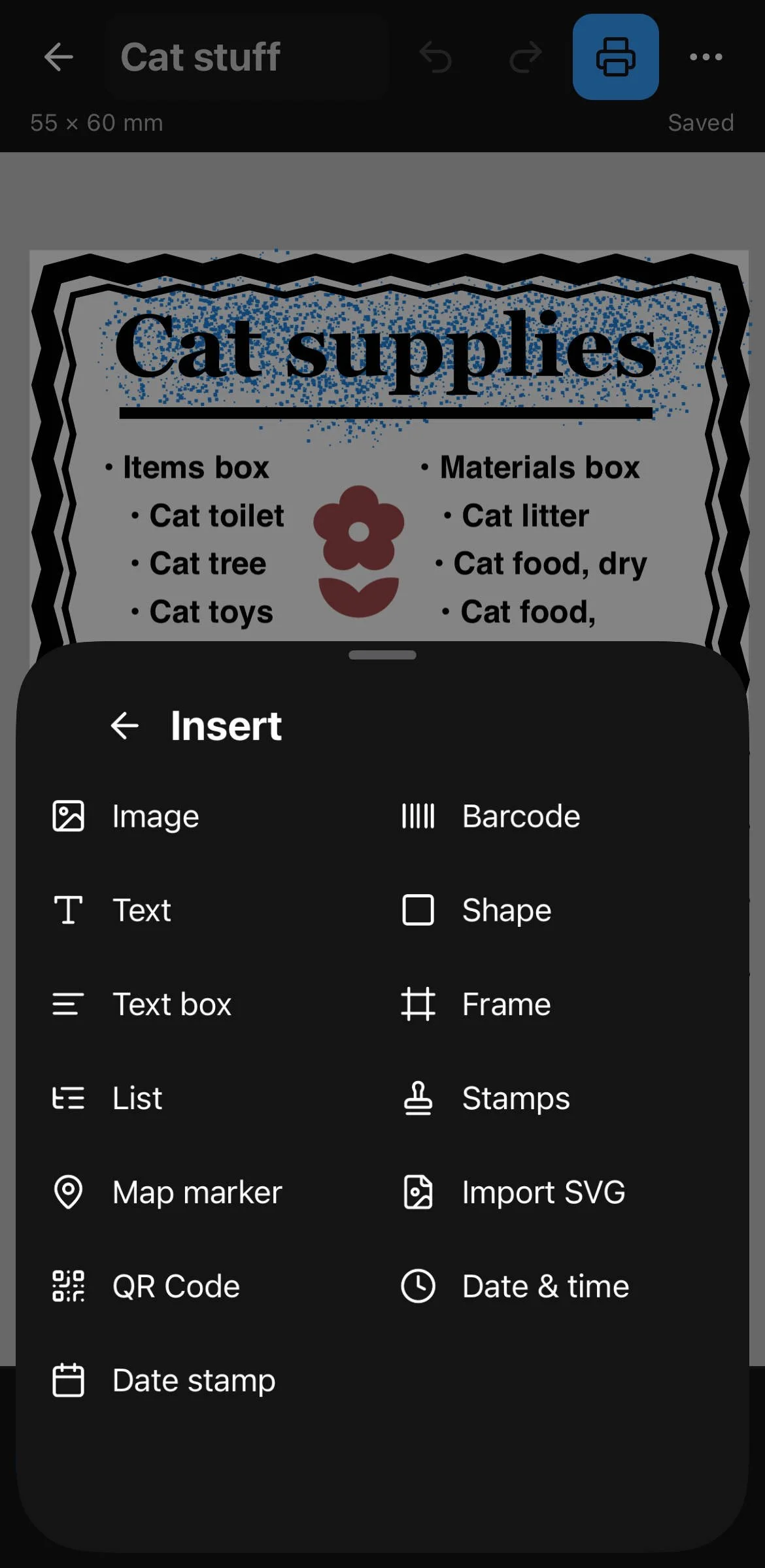
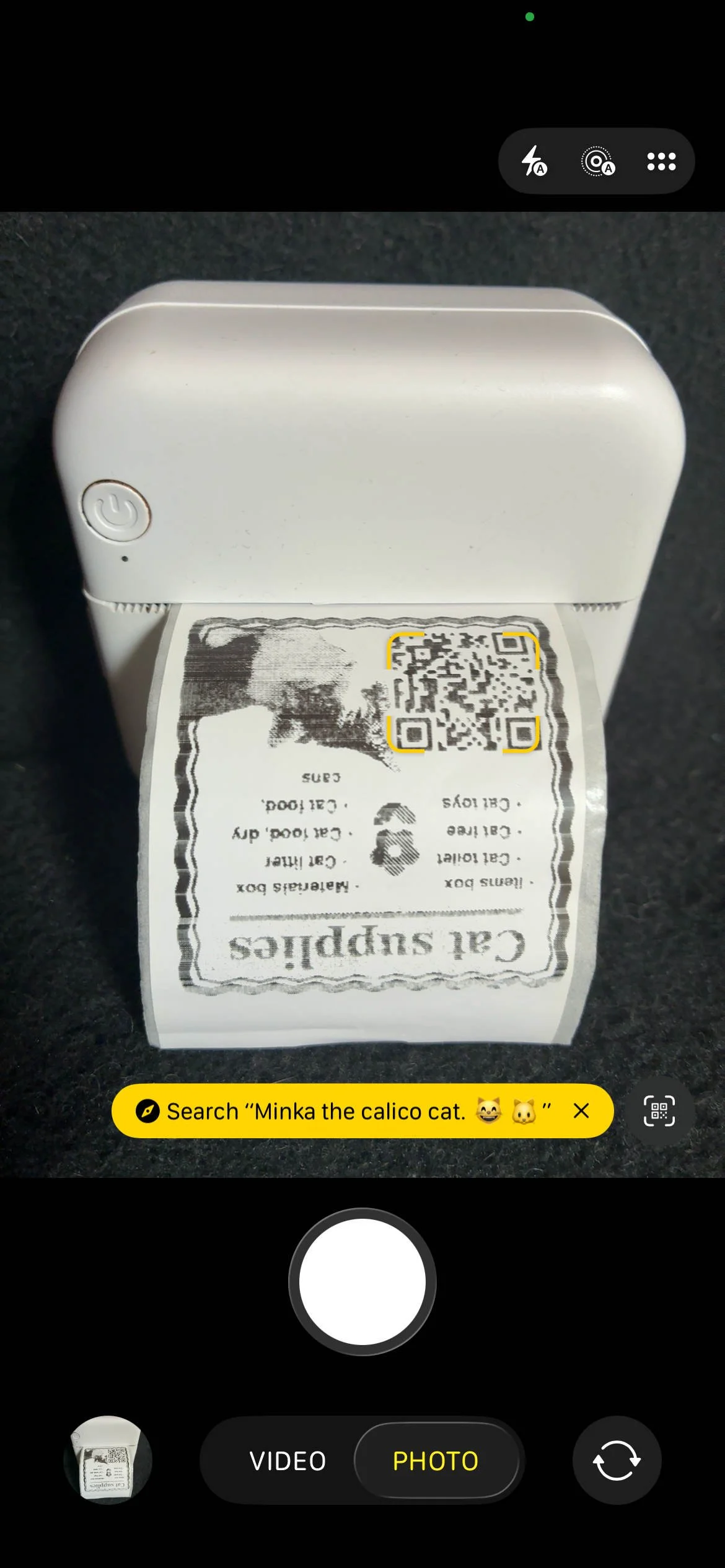
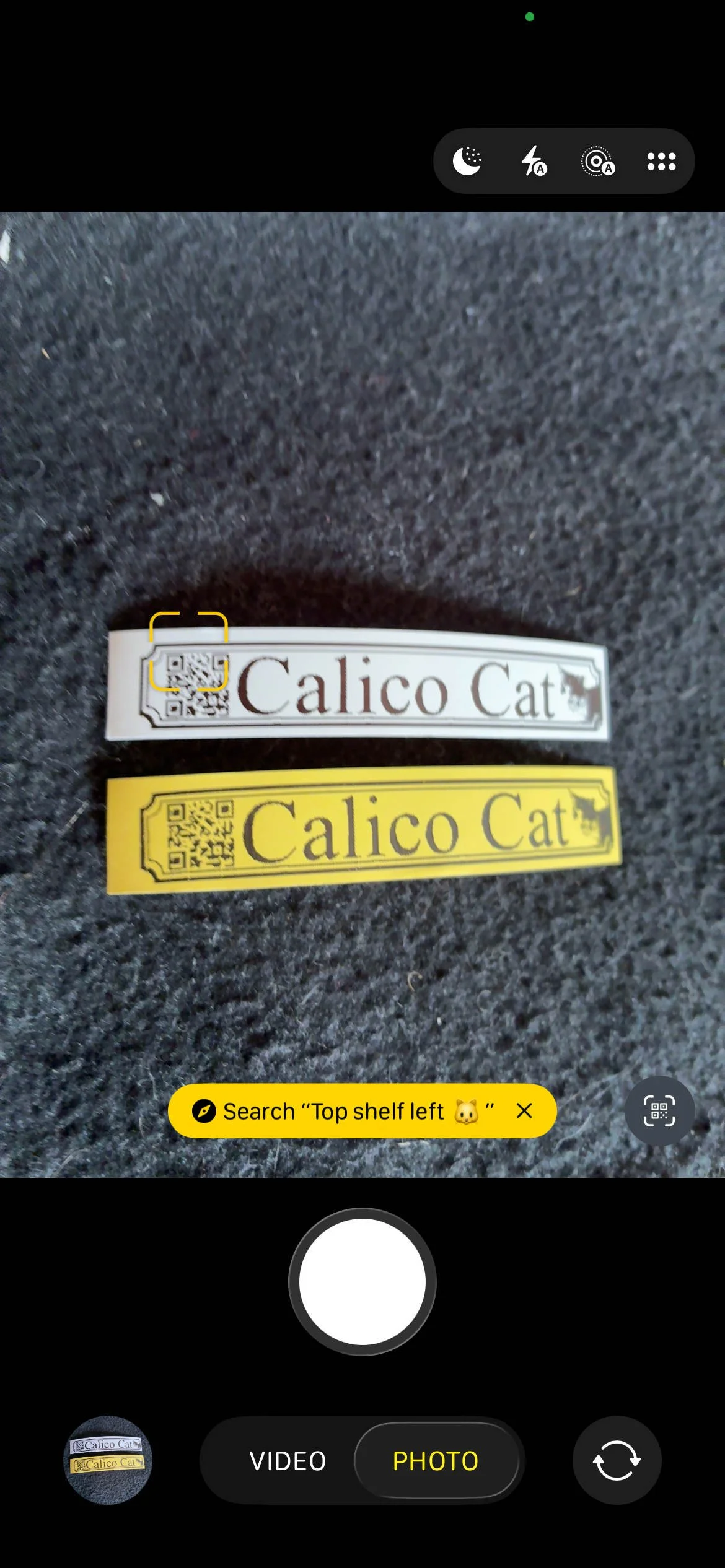
The Link2Label app is included into the Containd App for label generation and as a dedicated tool to create simple maps with legends. It comes preinstalled with several label templates that can be selected from within the app to then load inside of the Link2label app. Images can be shared directly and when sharing the image of an item its possible to include the necessary information to generate QR codes and if selected container manifest in the Link2Label app.
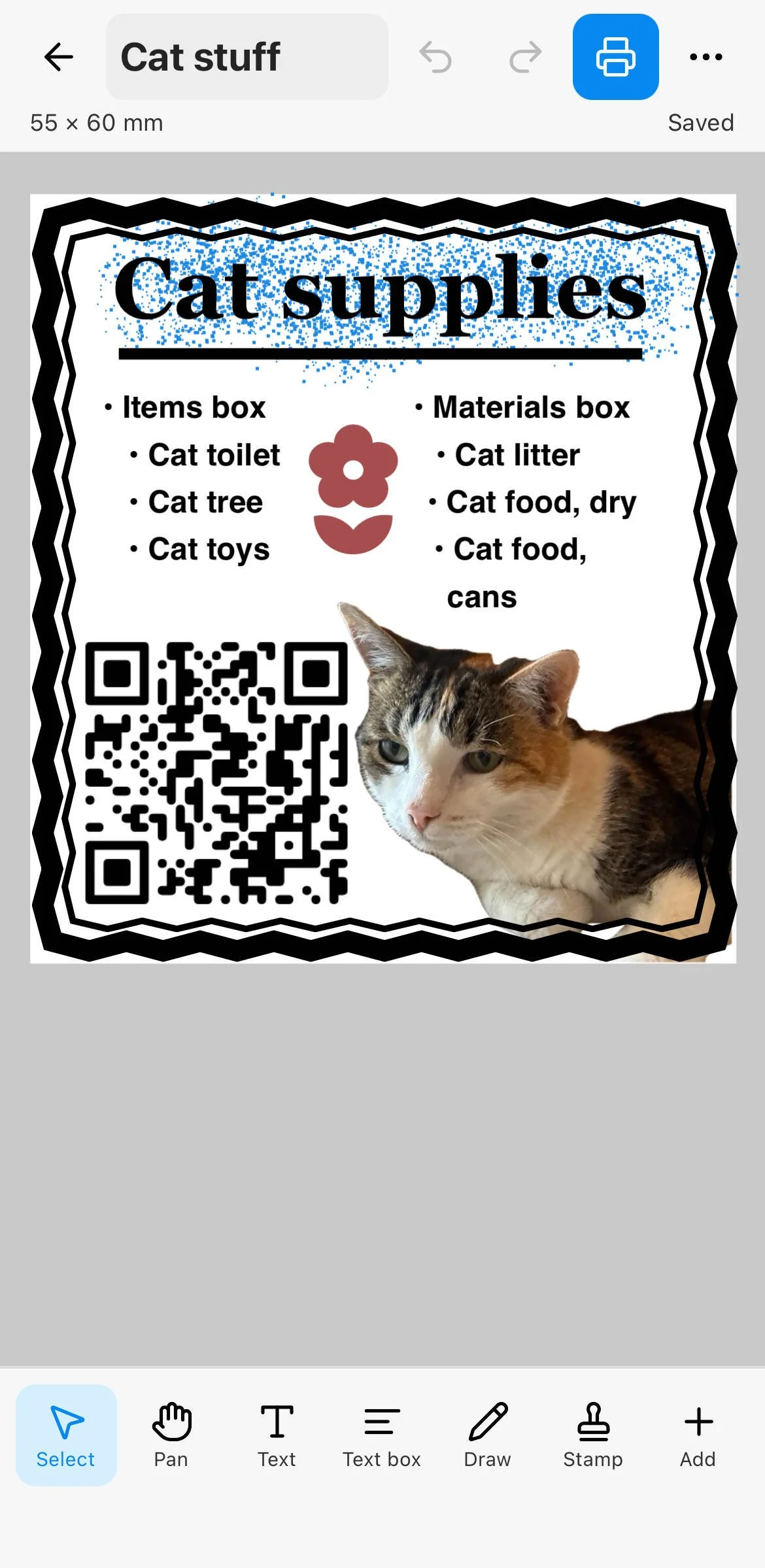
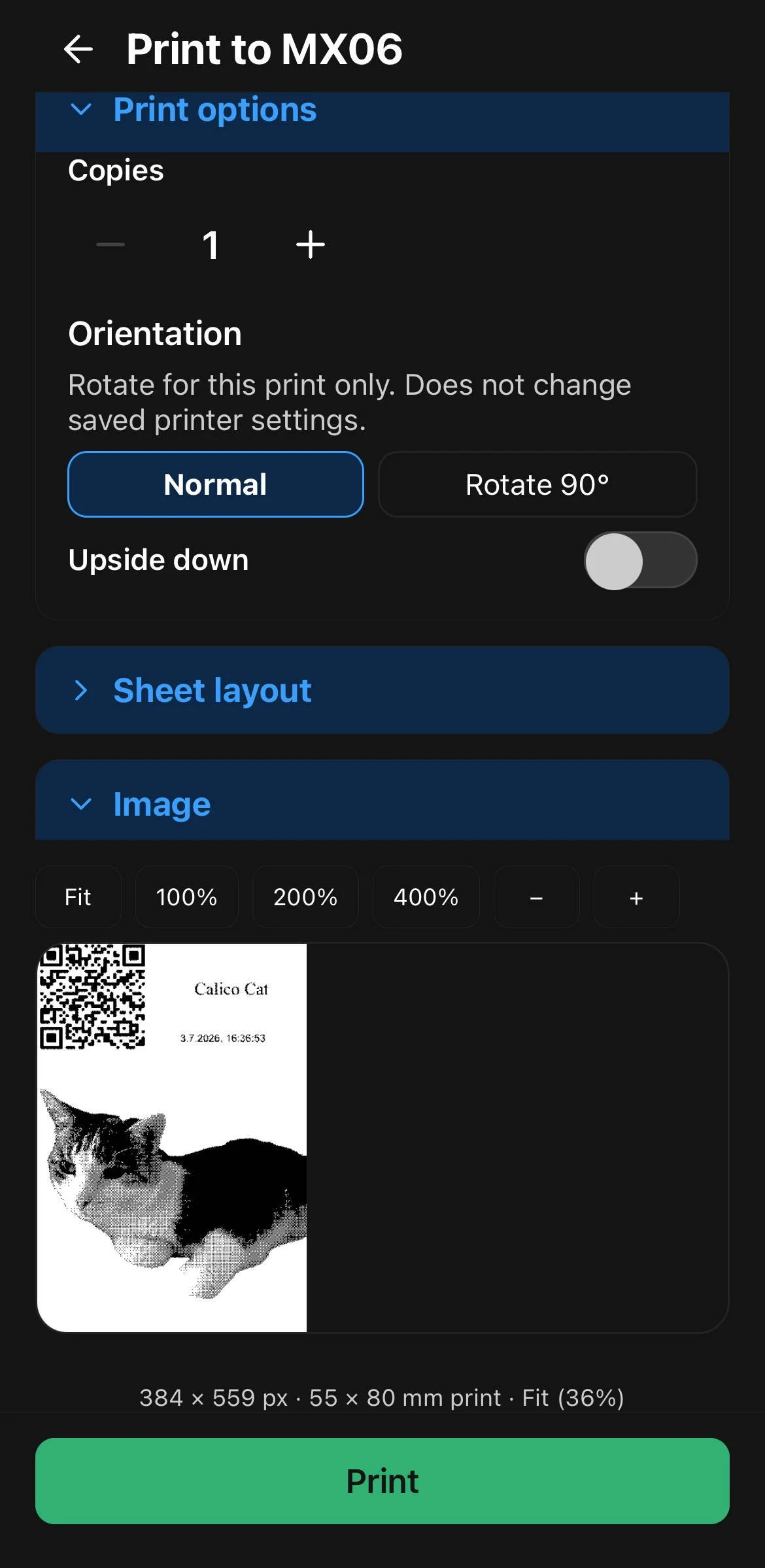
Example for a customized template that was filled with data from Containd app that was embedded in a shared image of a cat.
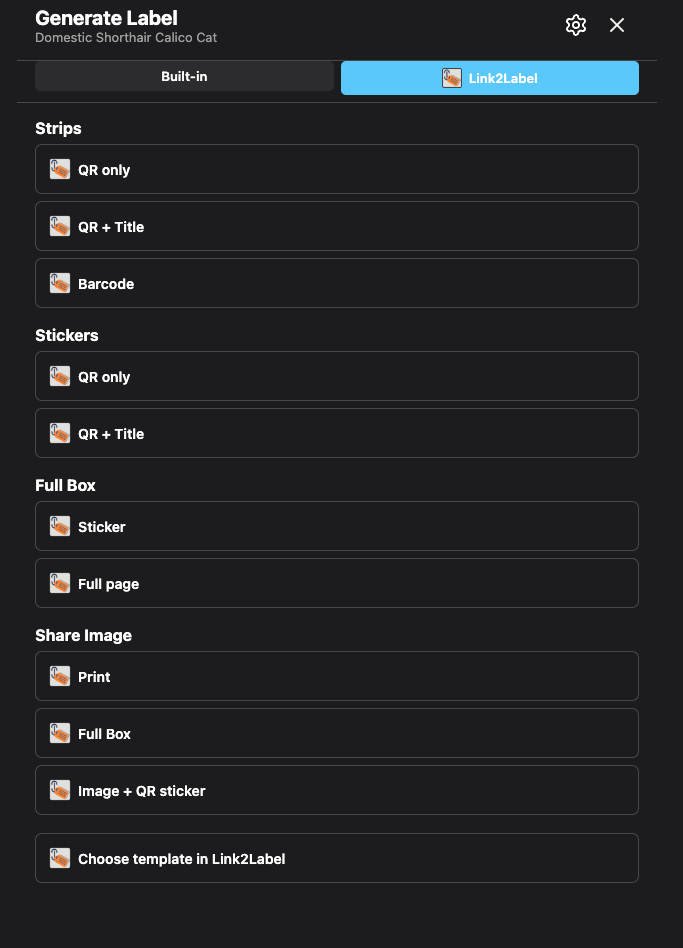
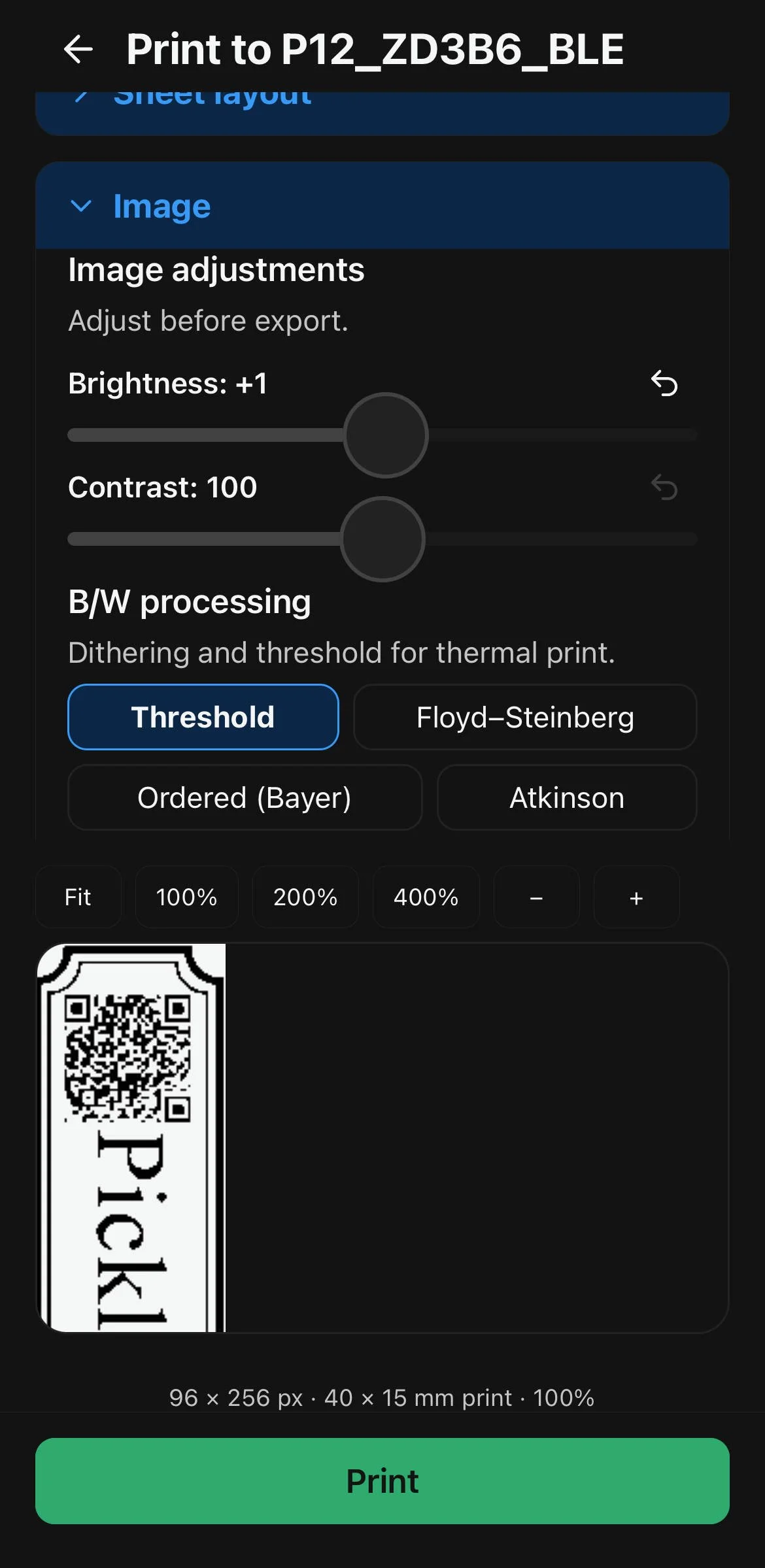
Generate Label dialog inside Containd. The app is not required - labels can still be generated inside the app.
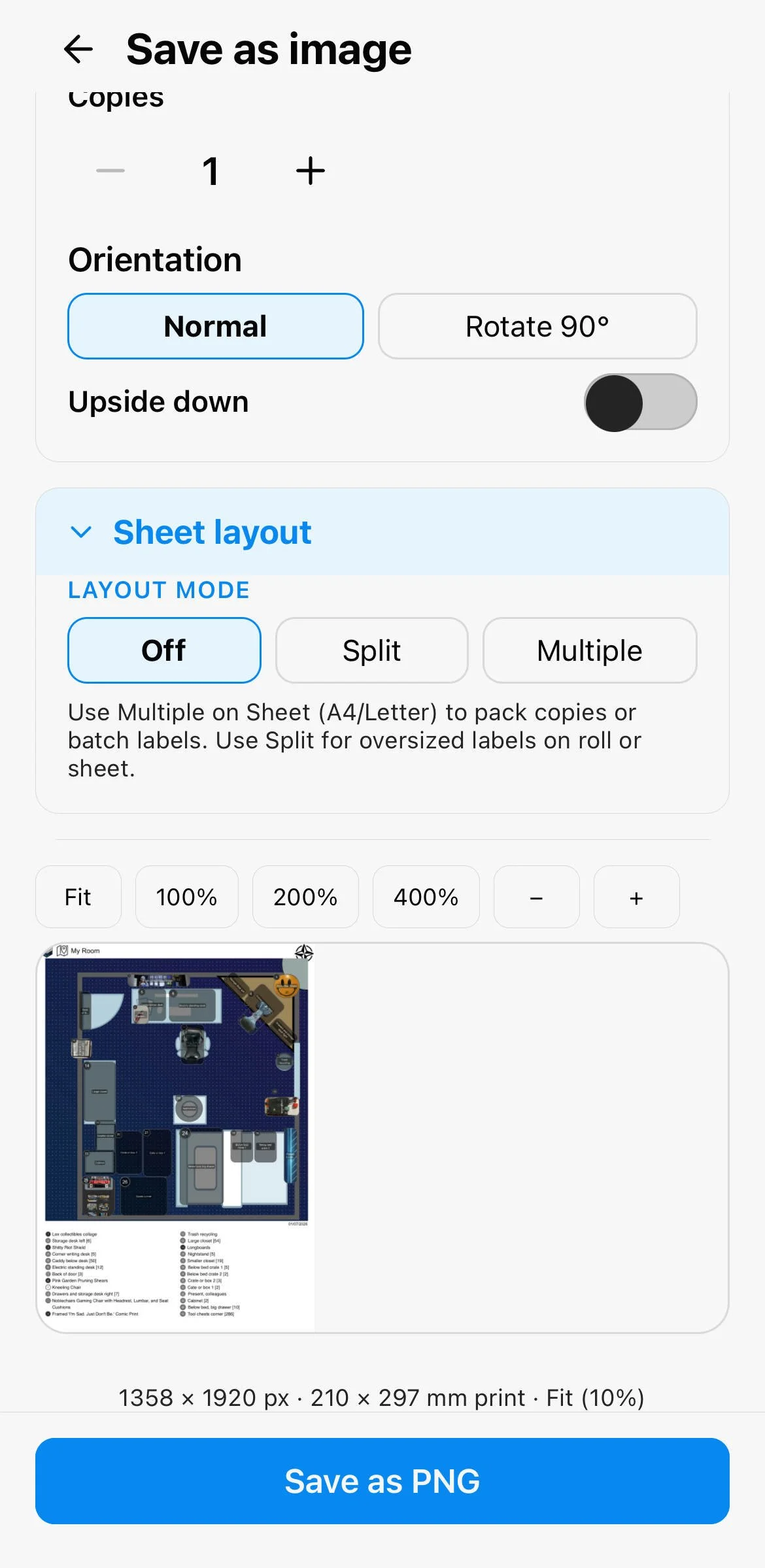
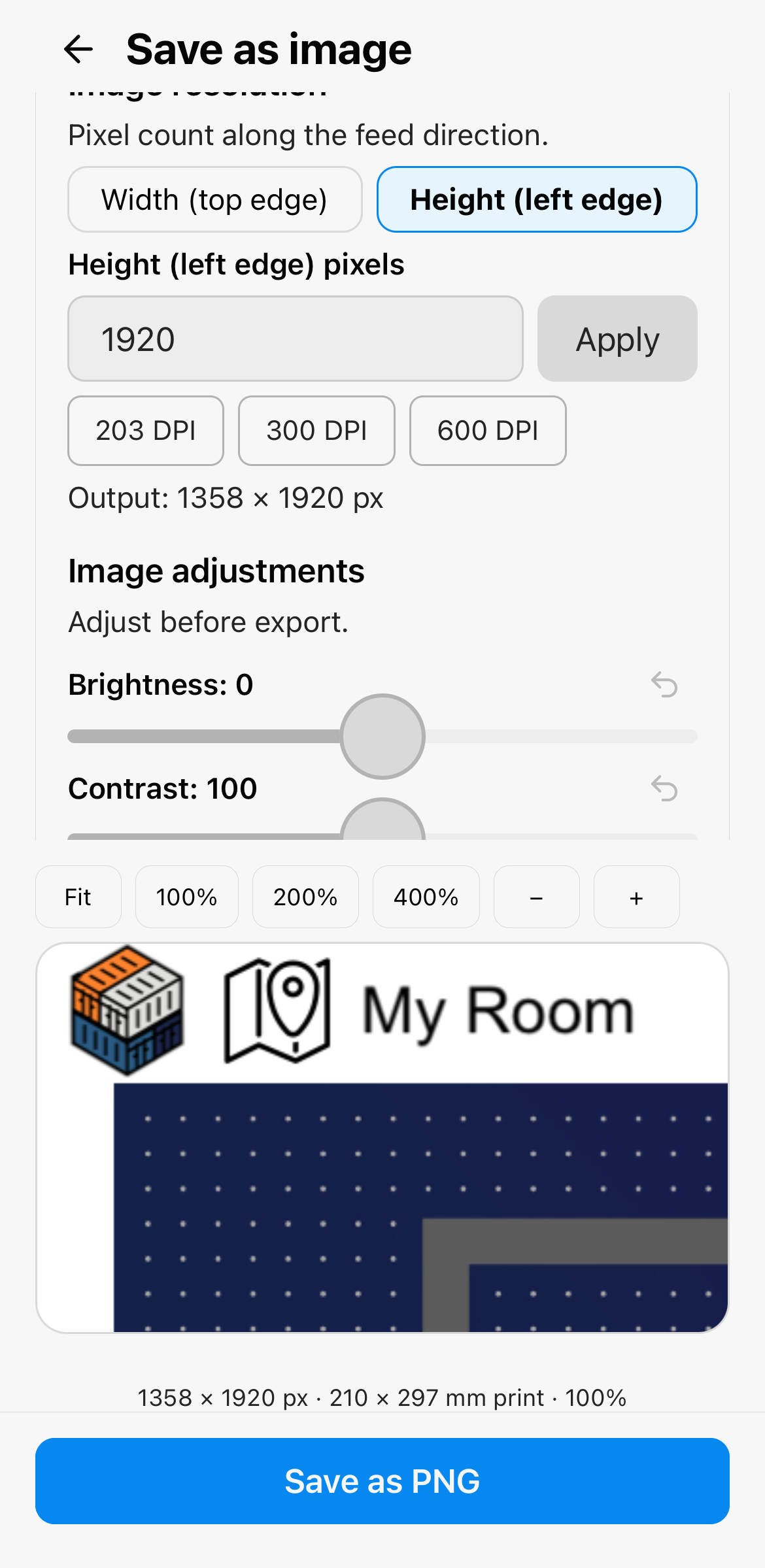
And besides labels, you can directly share a screenshot of any canvas and make a map out of it inside Link2Label:
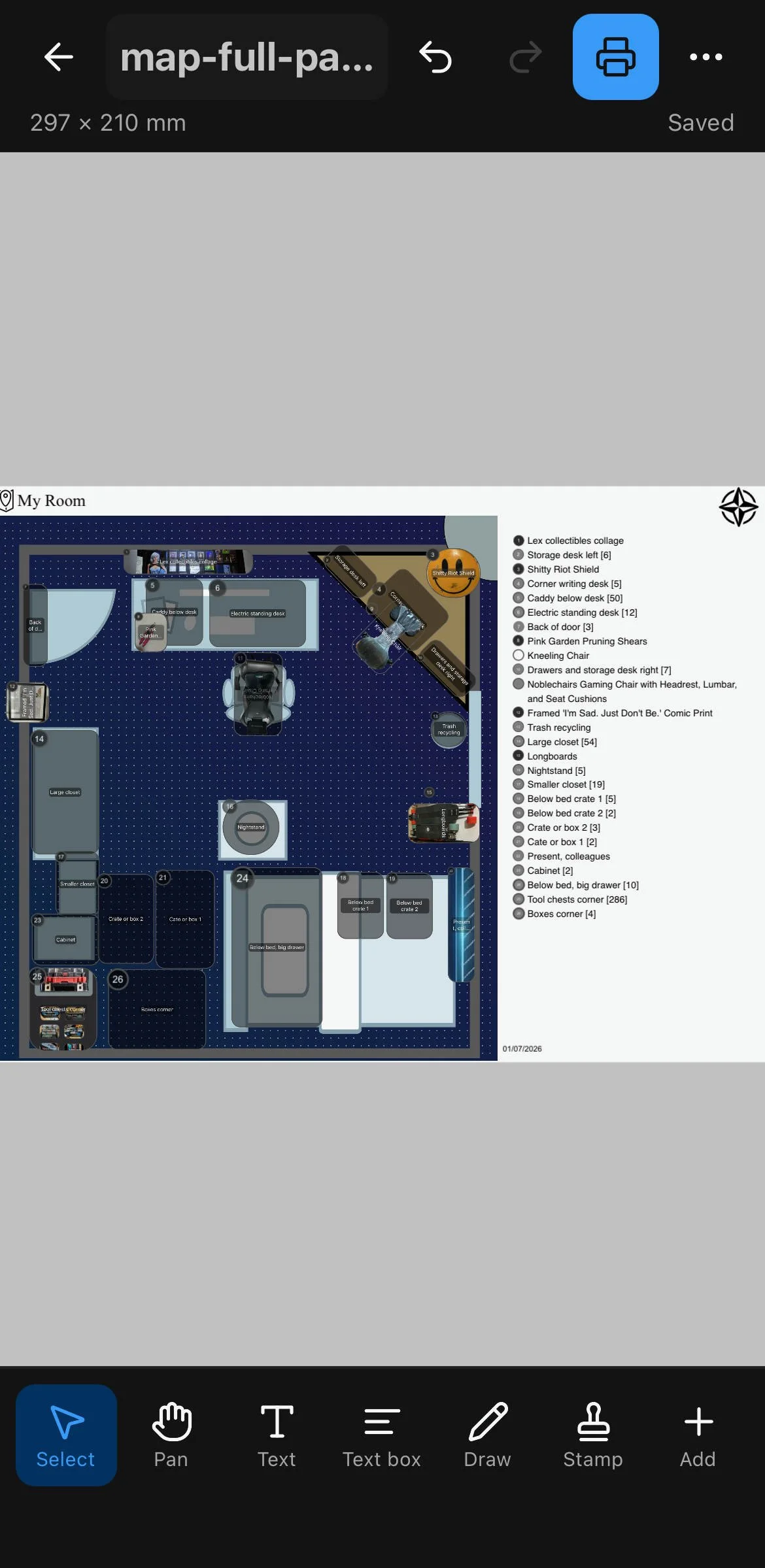
Canvas screenshot shared with Link2Label which automatically generates a map with legend.
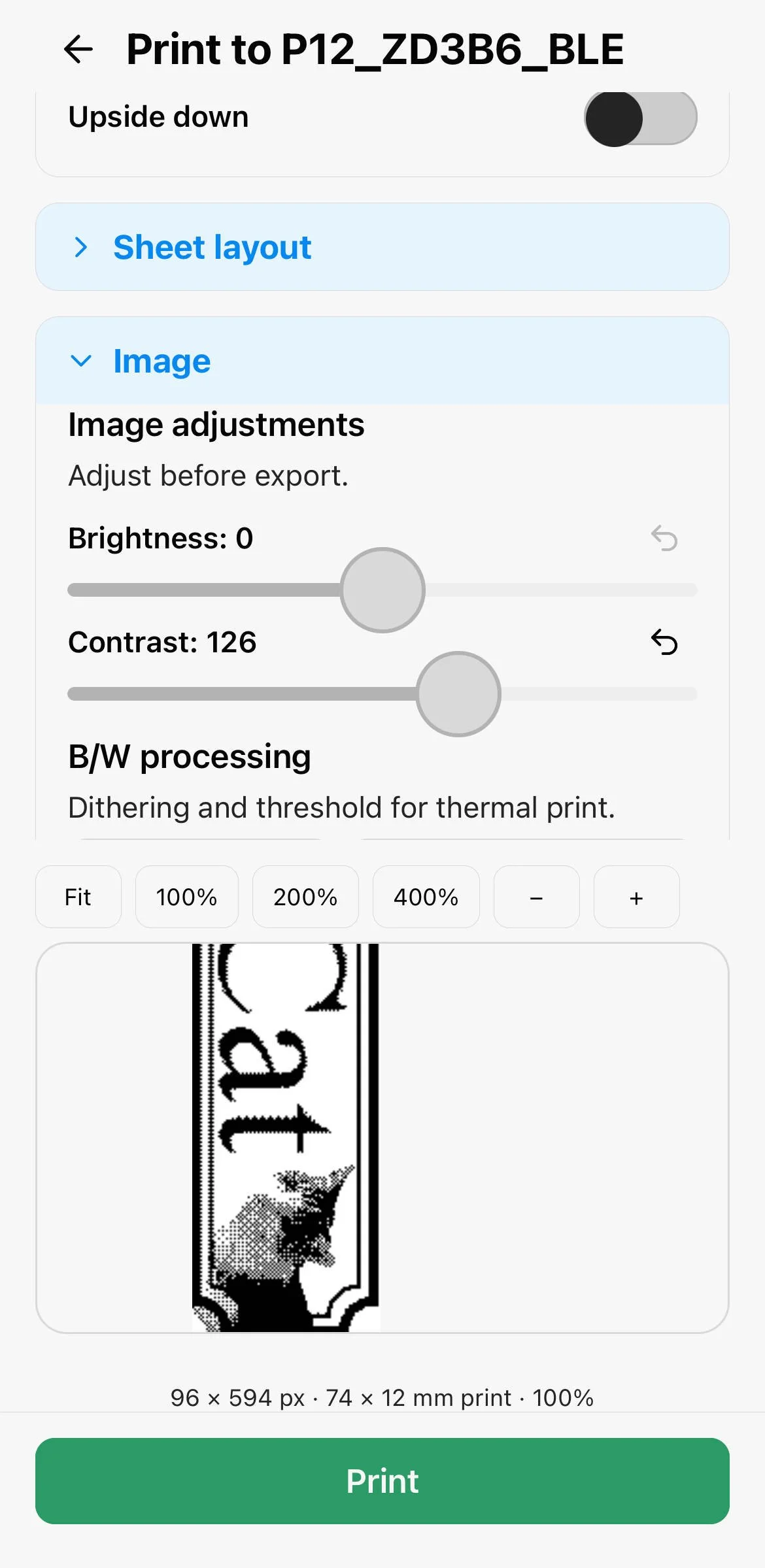
Main reason for this app was also that I don’t want to add bluetooth capabilities to the Containd App. But in Link2Label there are some cheap thermo printer models supported to print on. Alternatively directly to your full sized printer (through the respective operating system) or as pdf.