Link2Label
Cross platform label editor. Print on Bluetooth thermal tape or export as images/ PDF files.
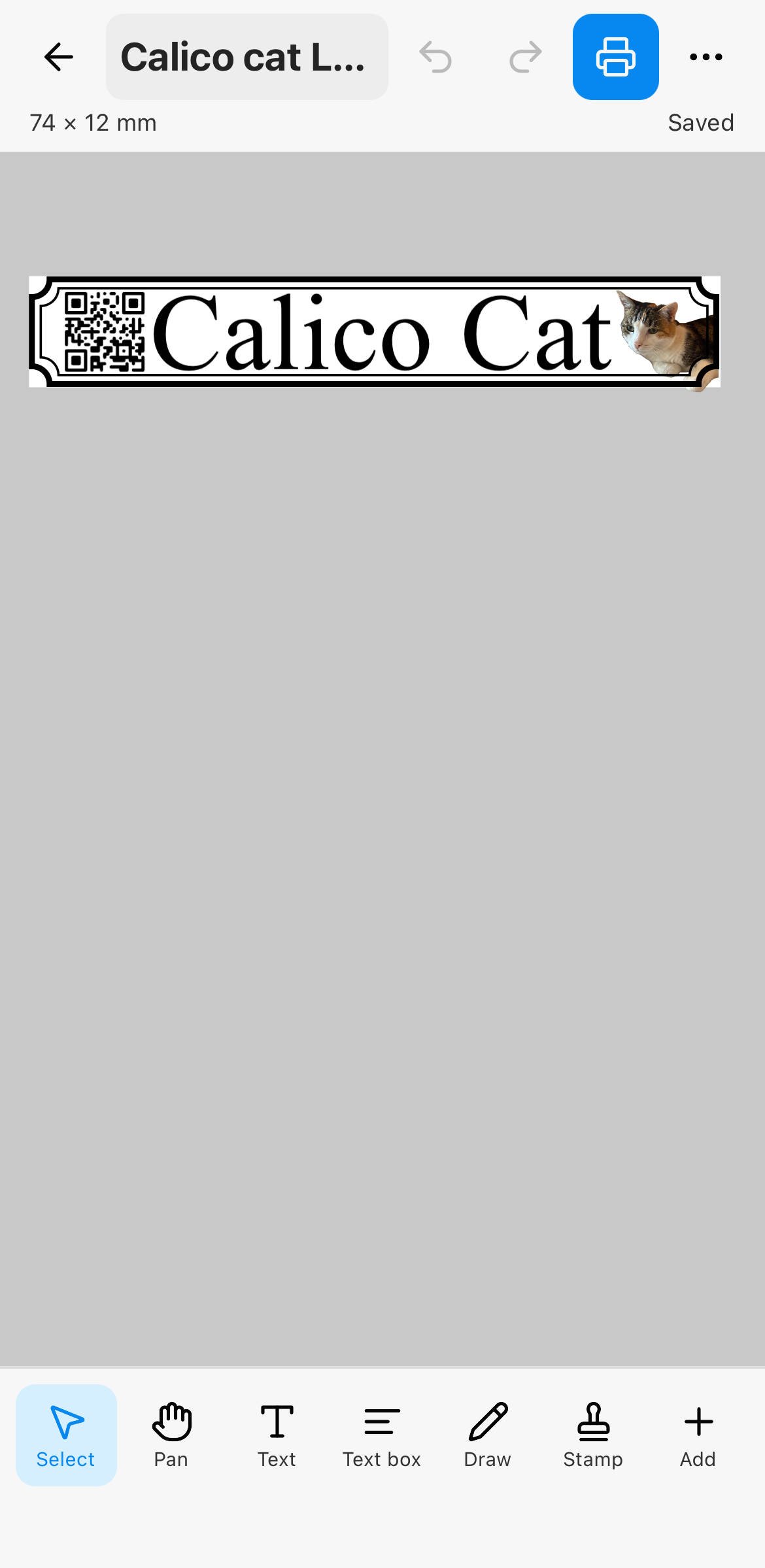
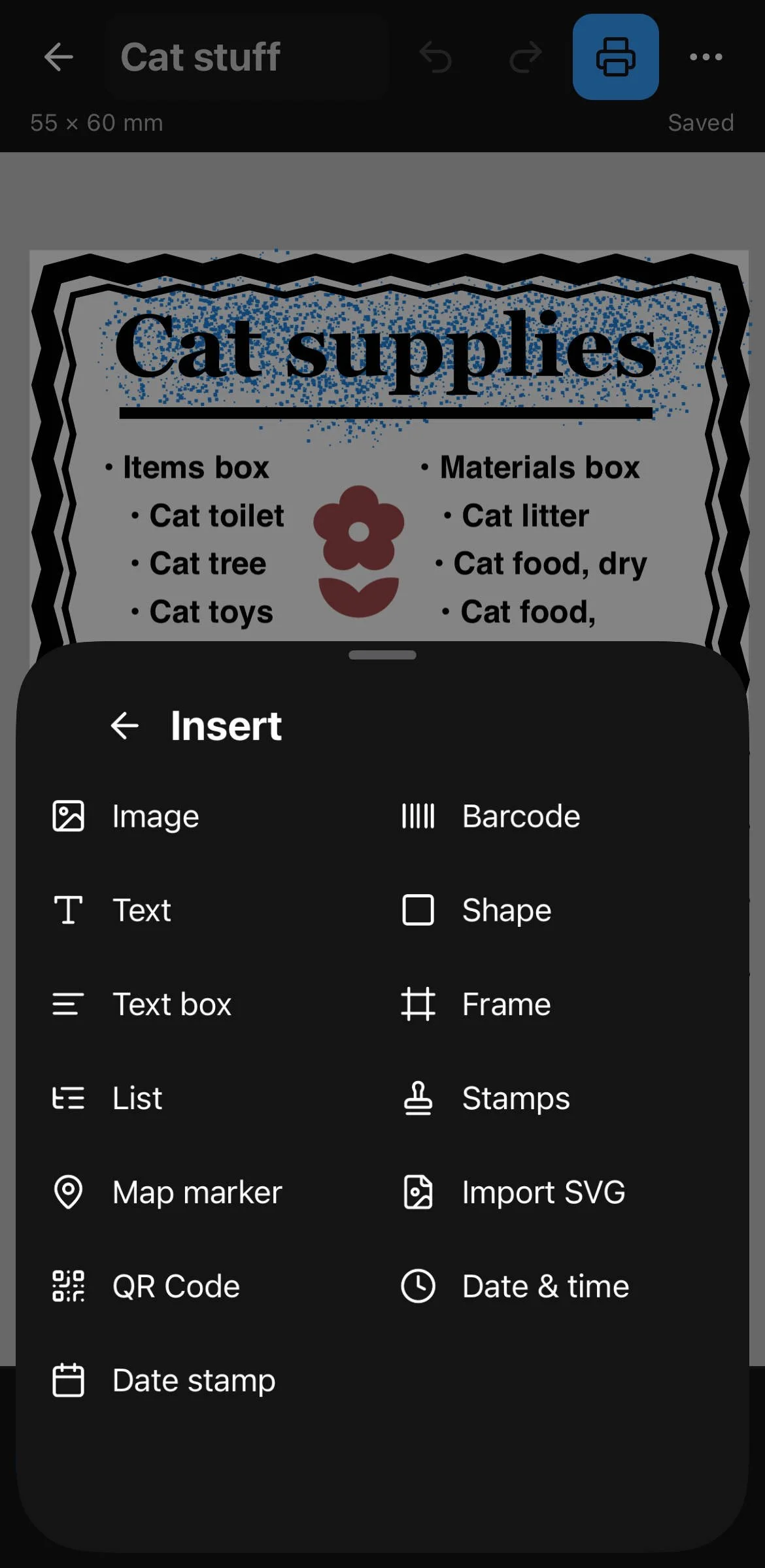
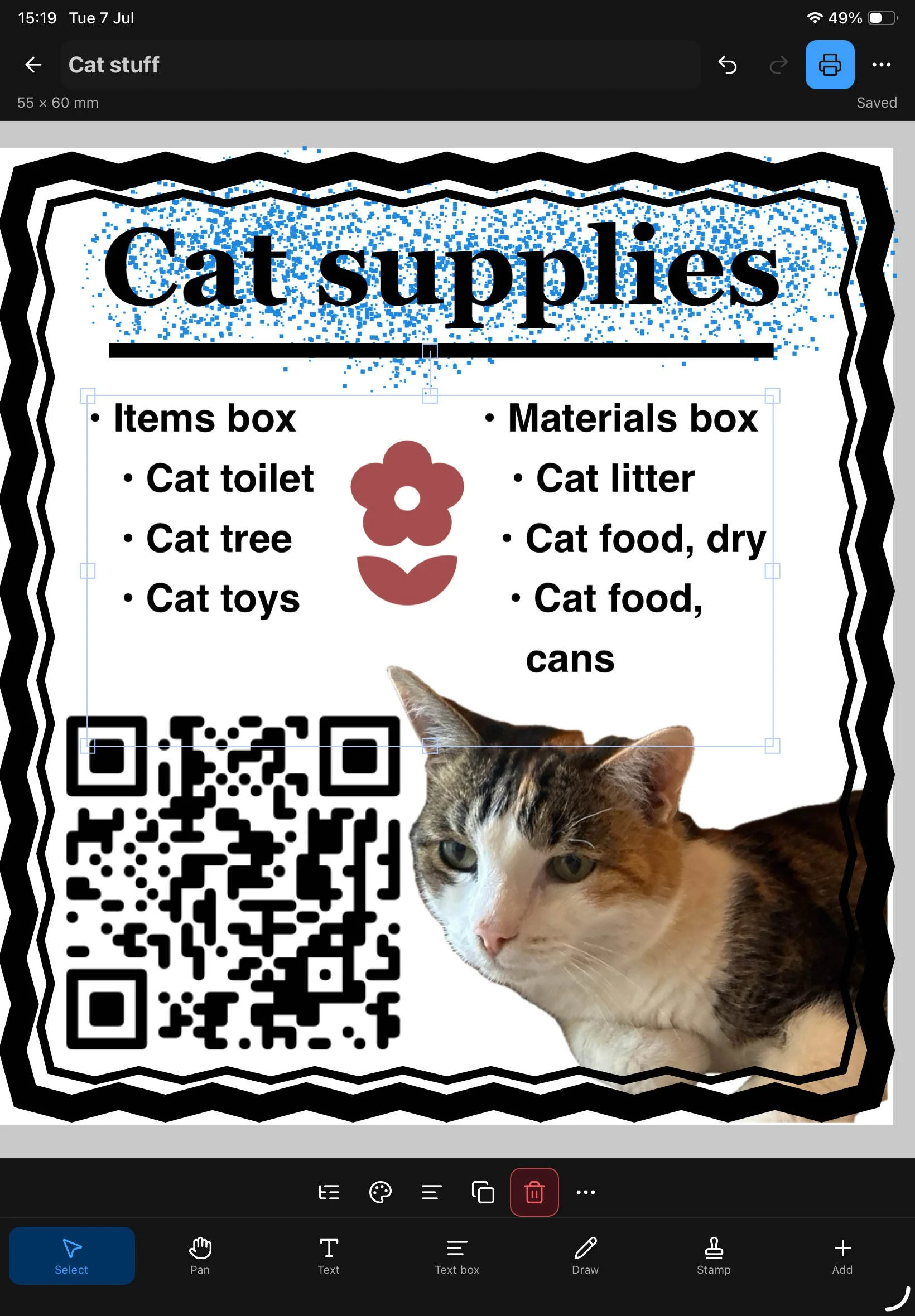
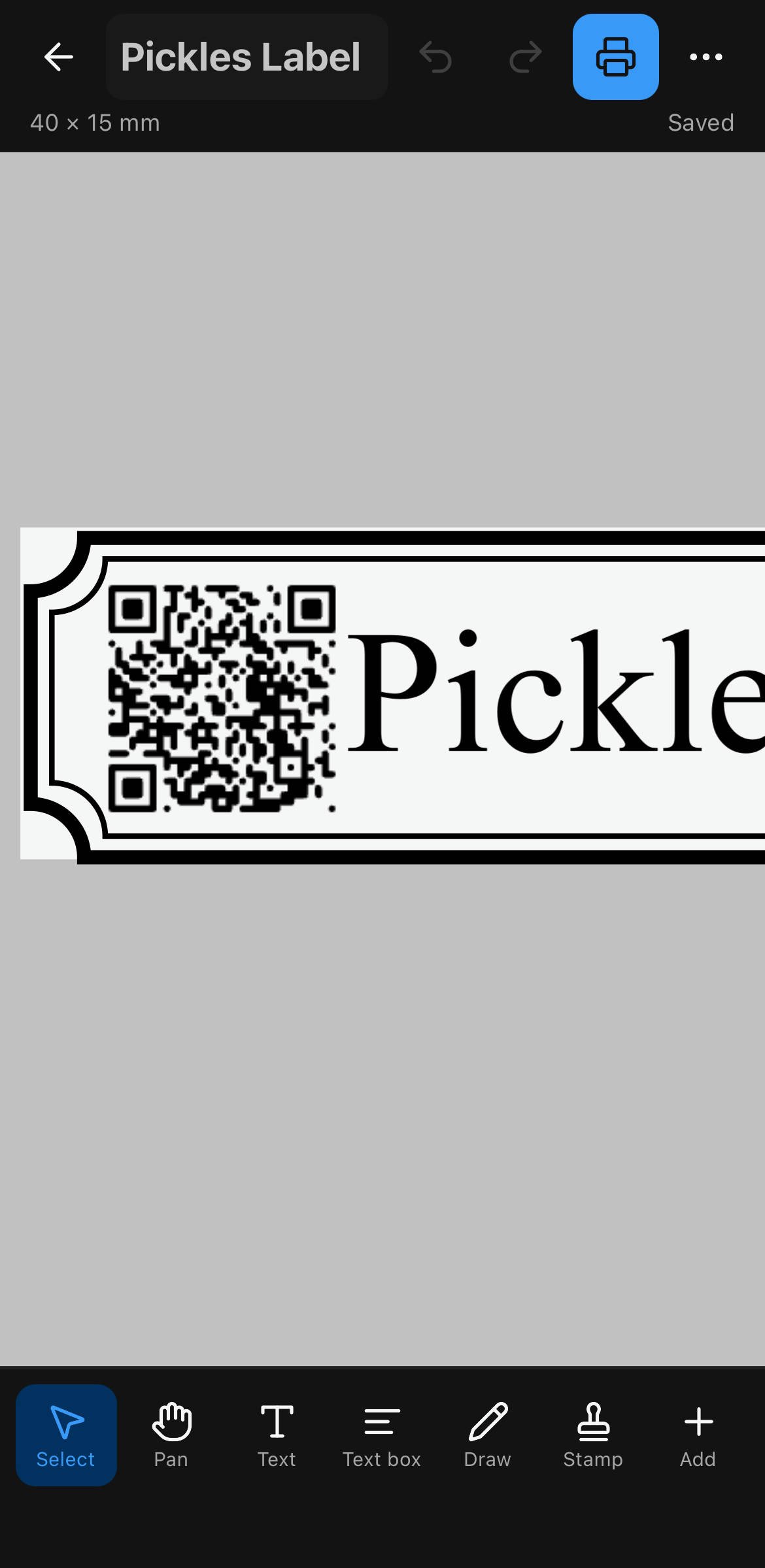
Design labels with text, QR codes, and barcodes. For storage or as a basic image editor. Link2Label talks to some cheap pocket thermal printers and to Containd, so item names and codes can land on a label without retyping. Works on iOS, Android and web. Stored labels can be imported cross platform. Design mobile, print on desktop - whatever you need.



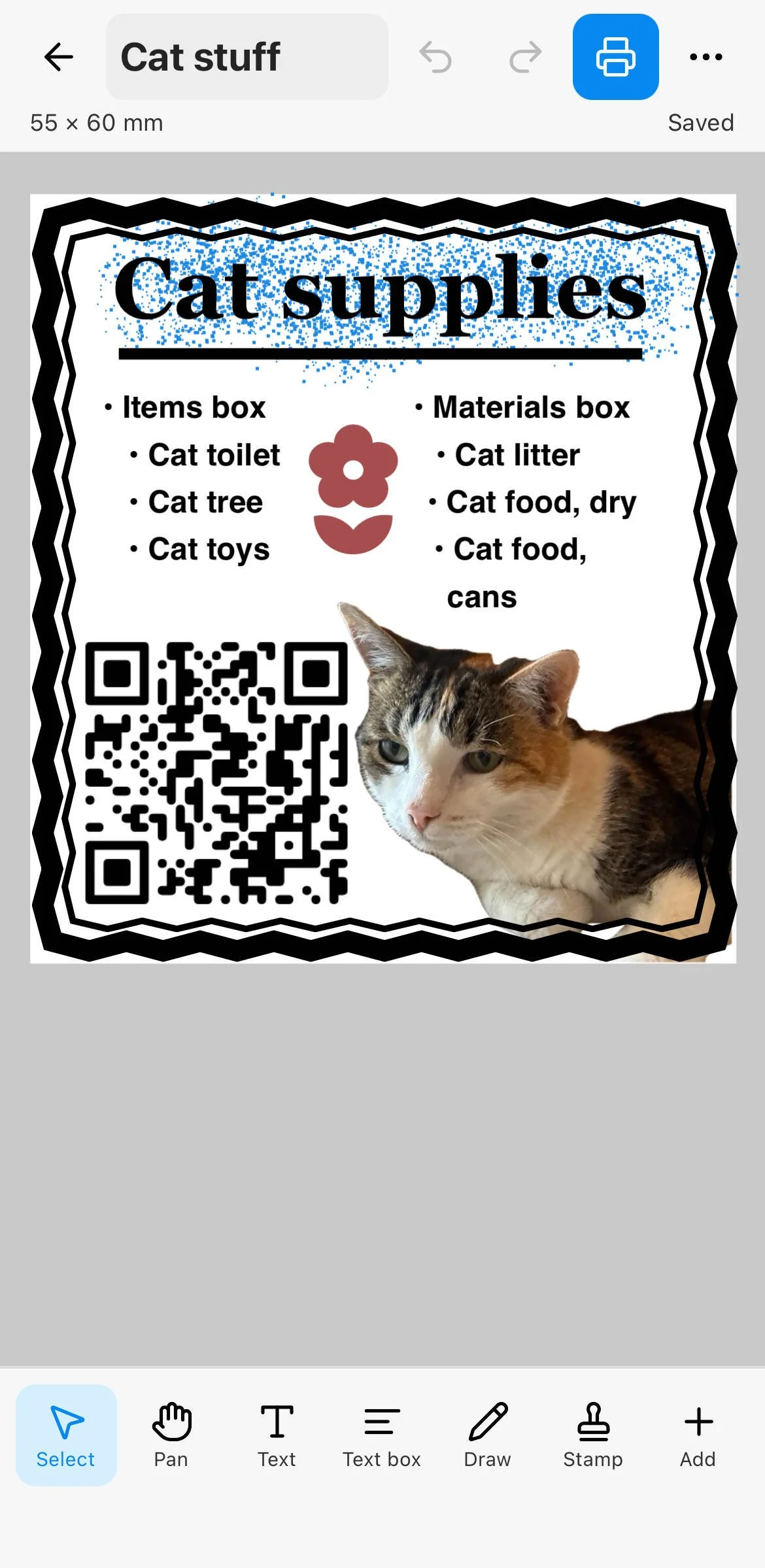
Templates for repeat labeling
Same layout, new content each time.
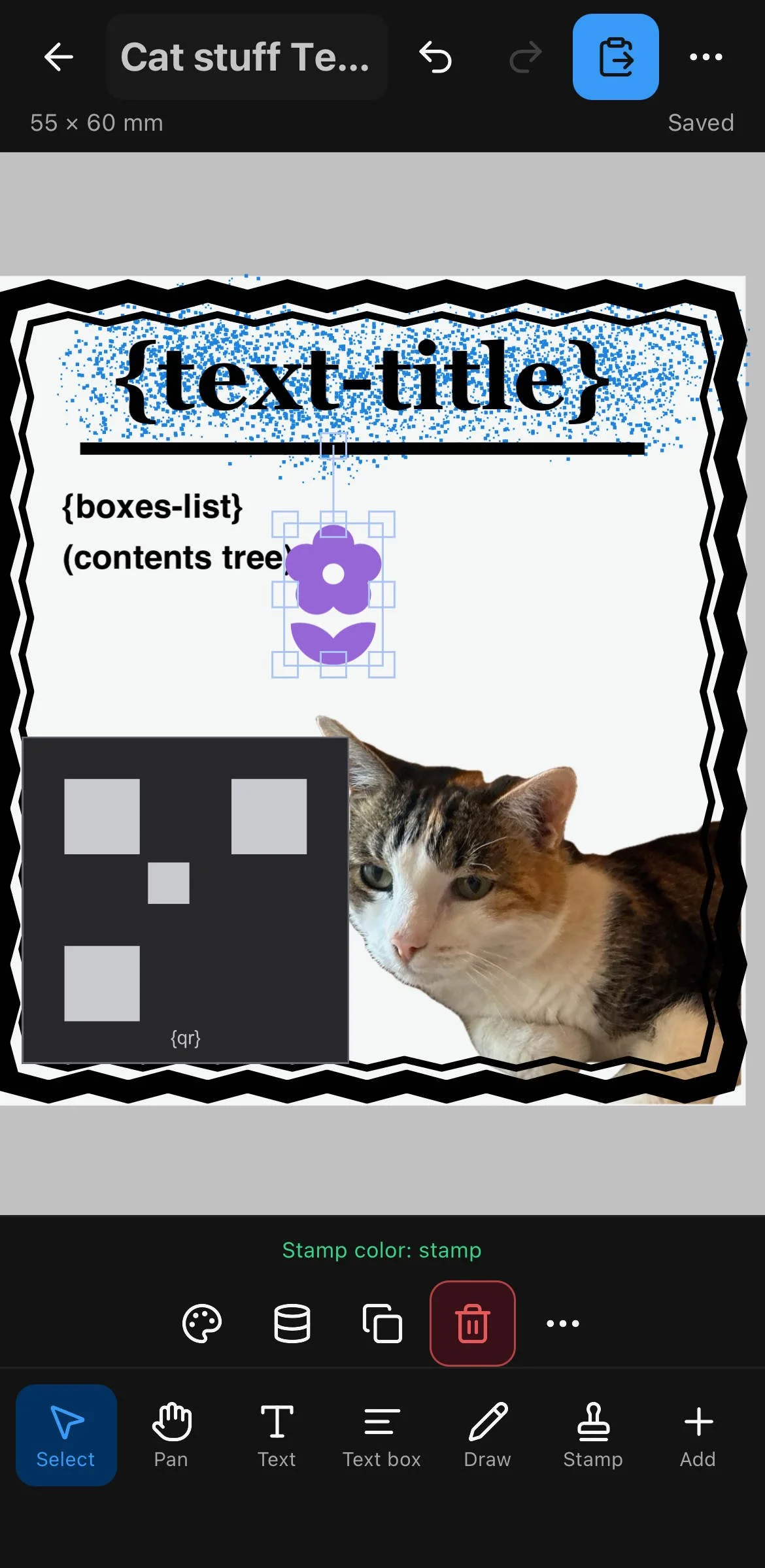
Label to template.
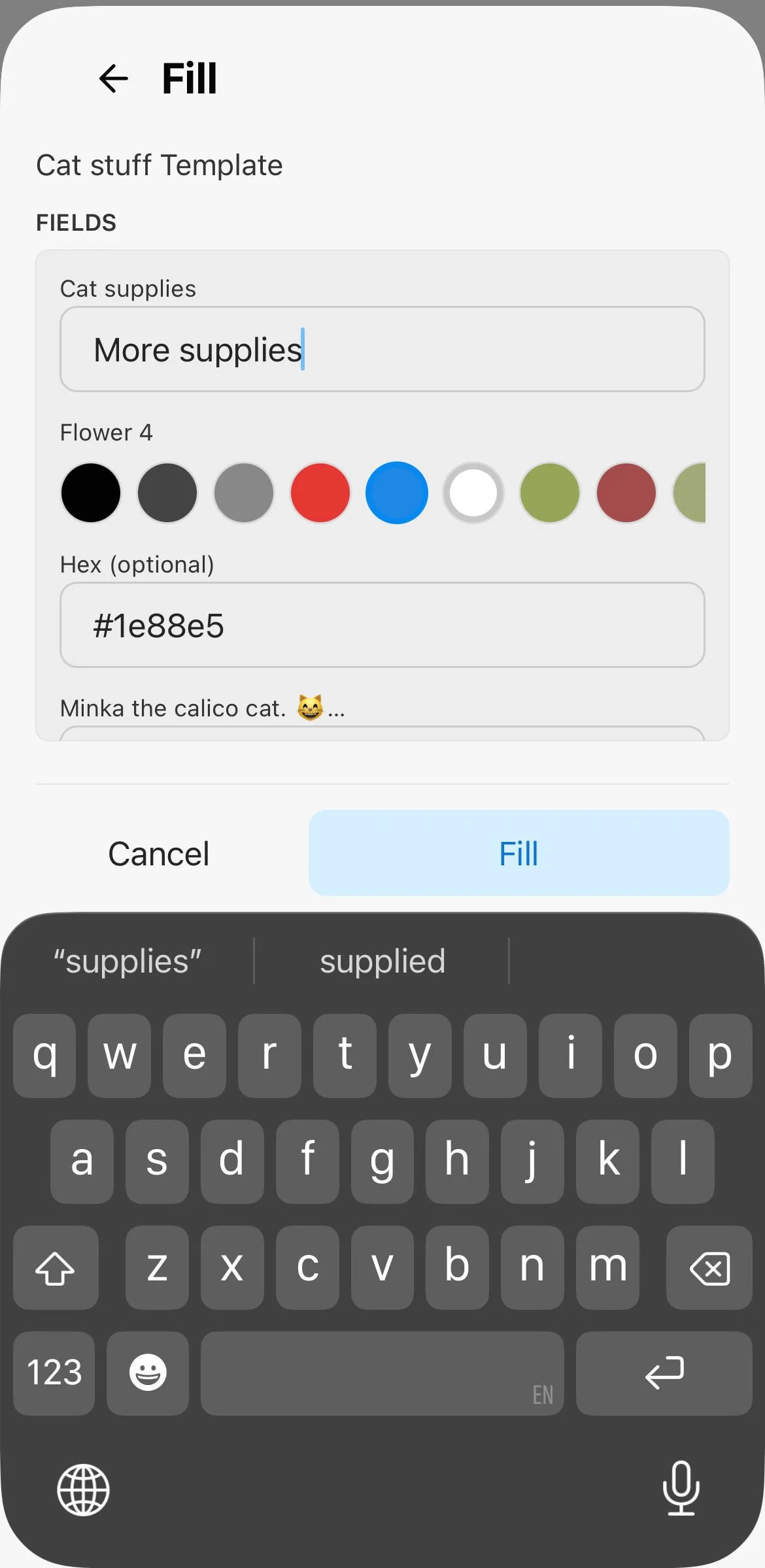
Fill template.
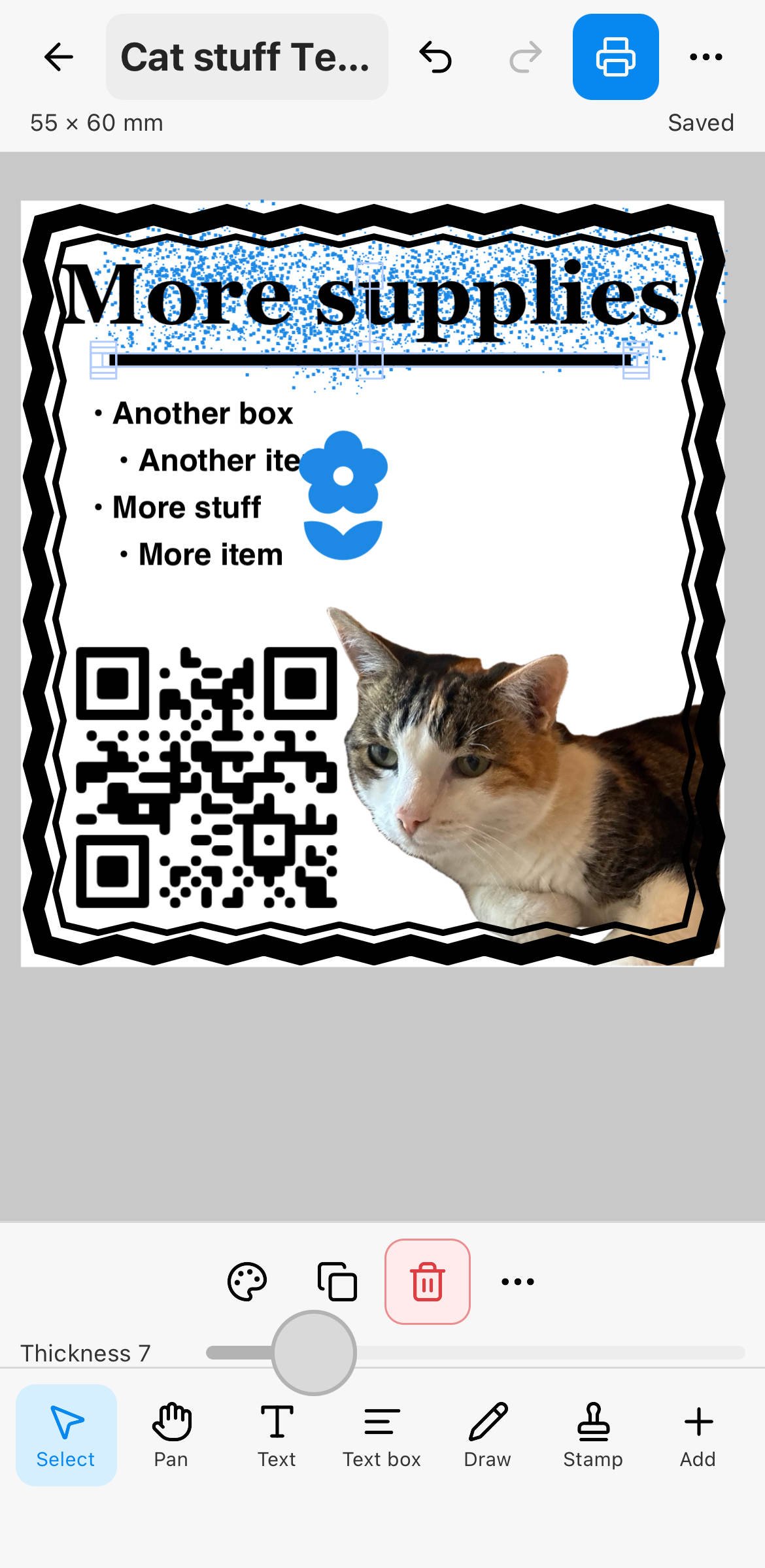
For unified labels.
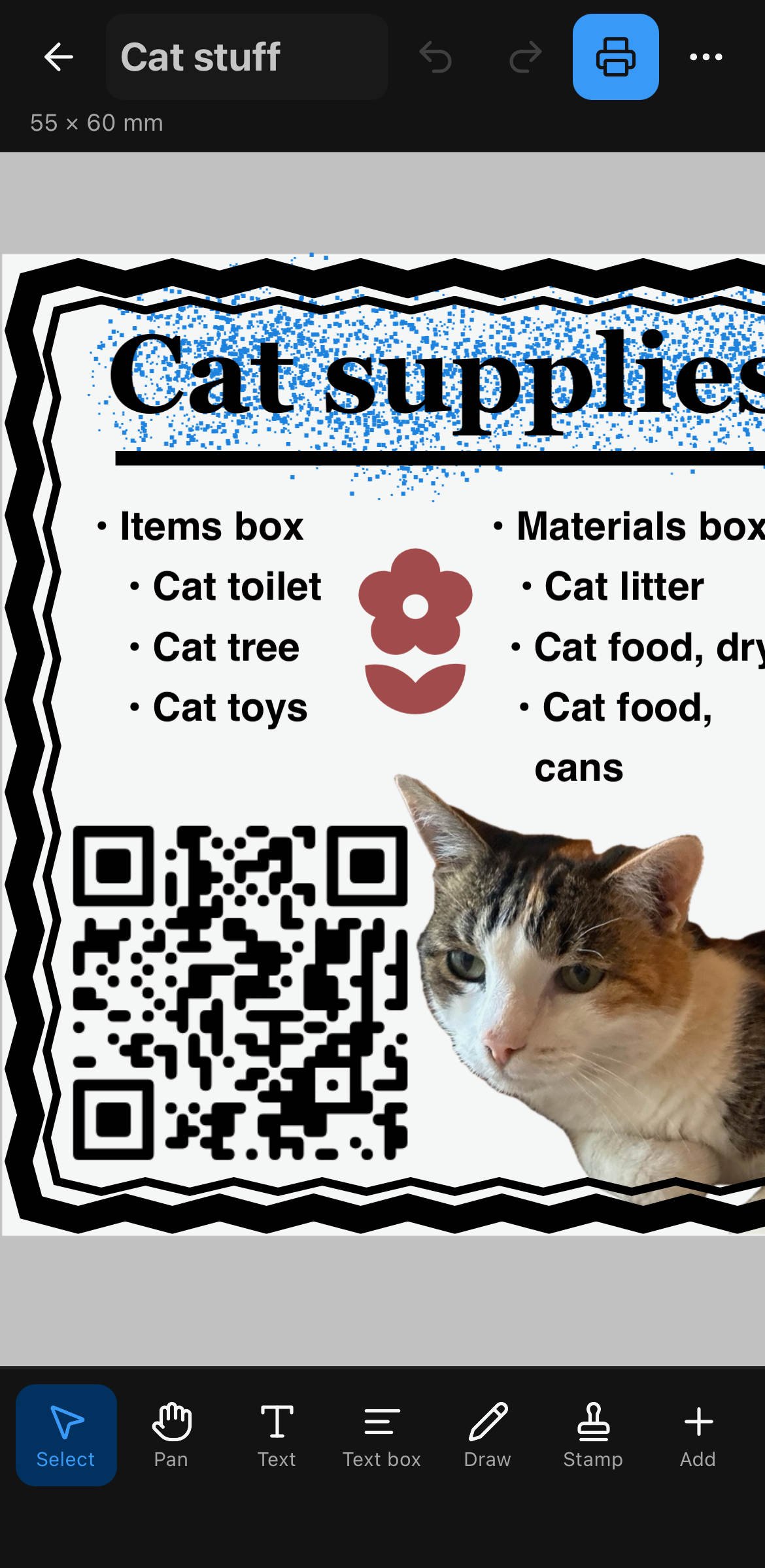
Bundled layouts cover strip labels, box stickers, full-page image labels, and map sheets. Fill fields by hand for one-offs, or let incoming item data populate placeholders automatically. Copy any included template to customize fonts and layout without breaking Containd preset IDs.
Print from your phone
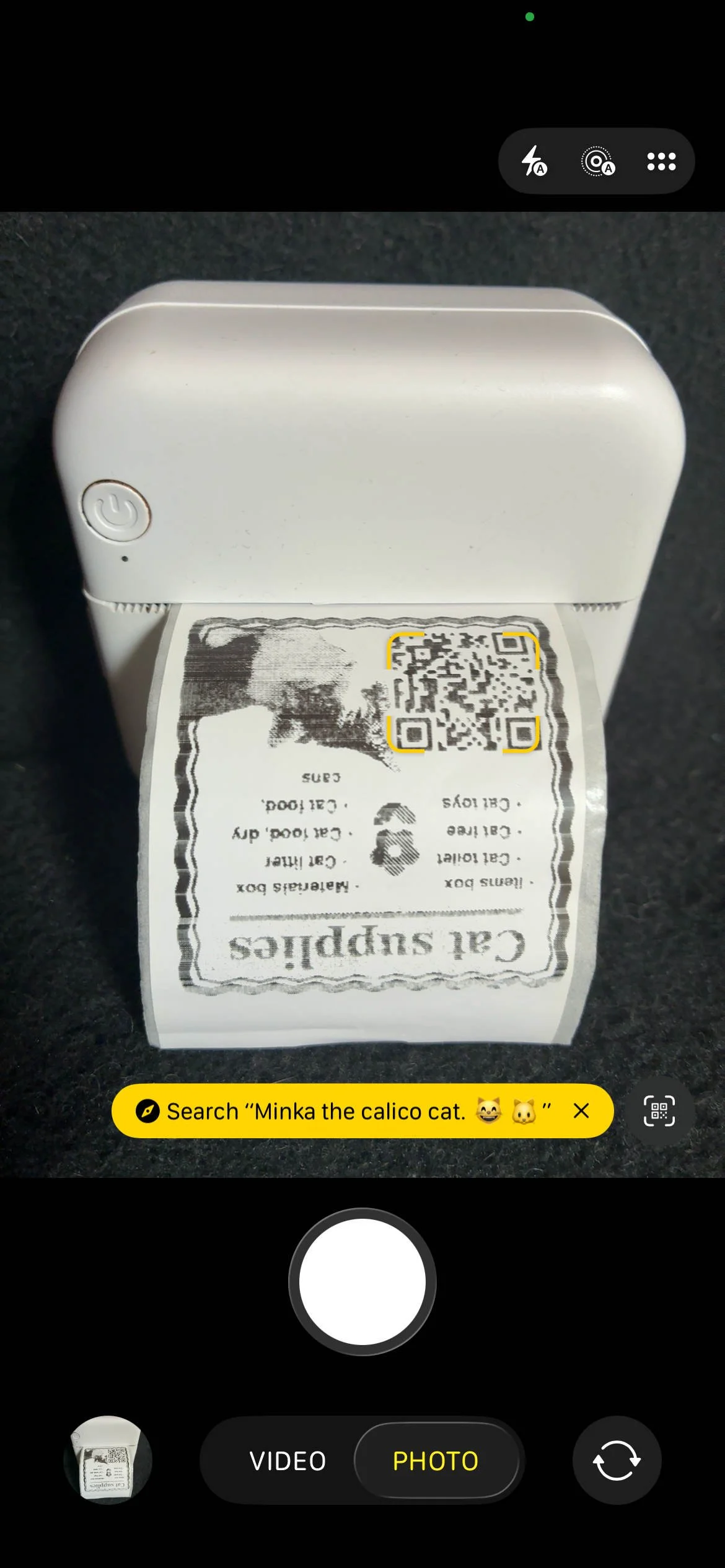
Bluetooth thermal label printers
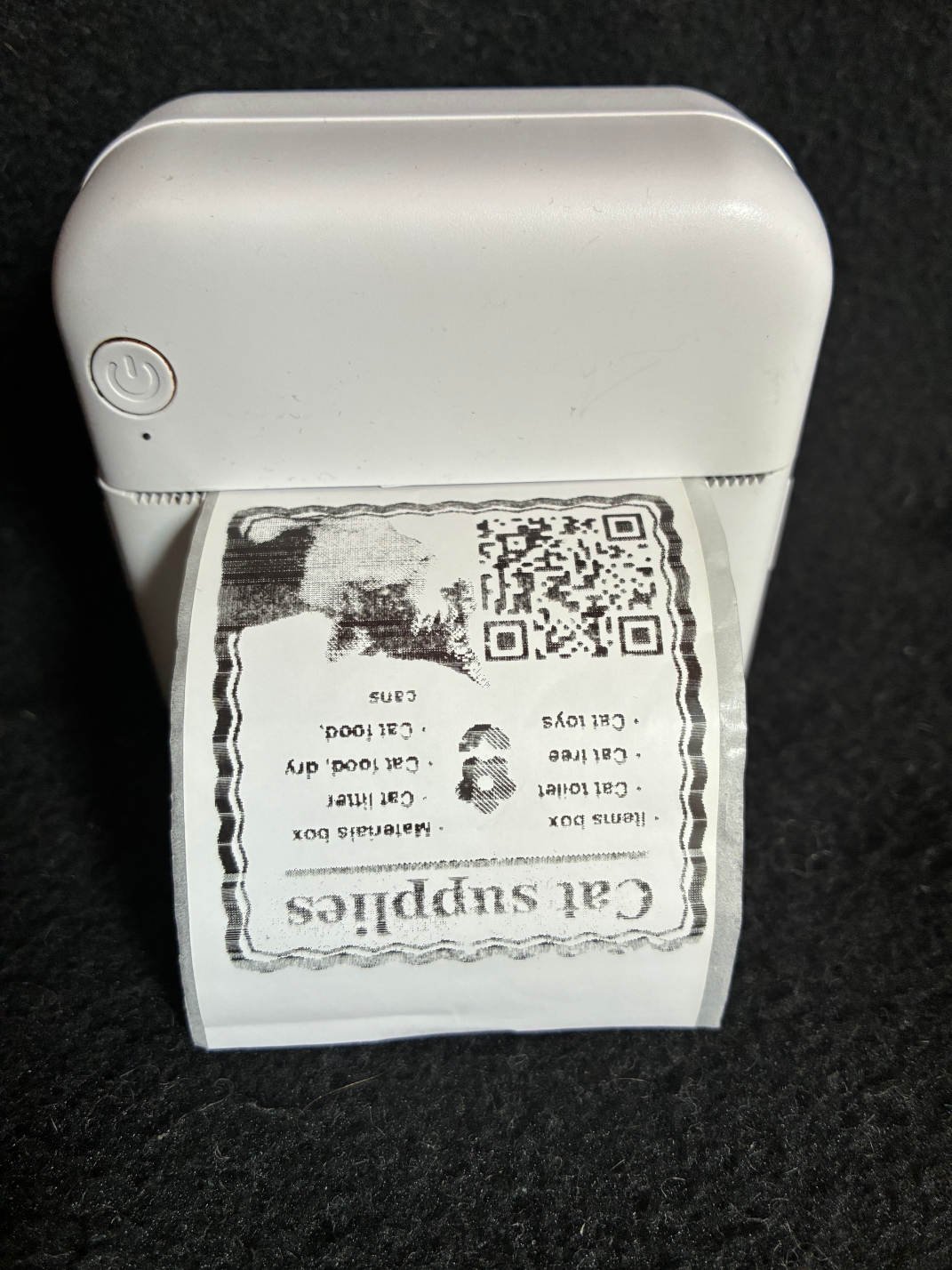
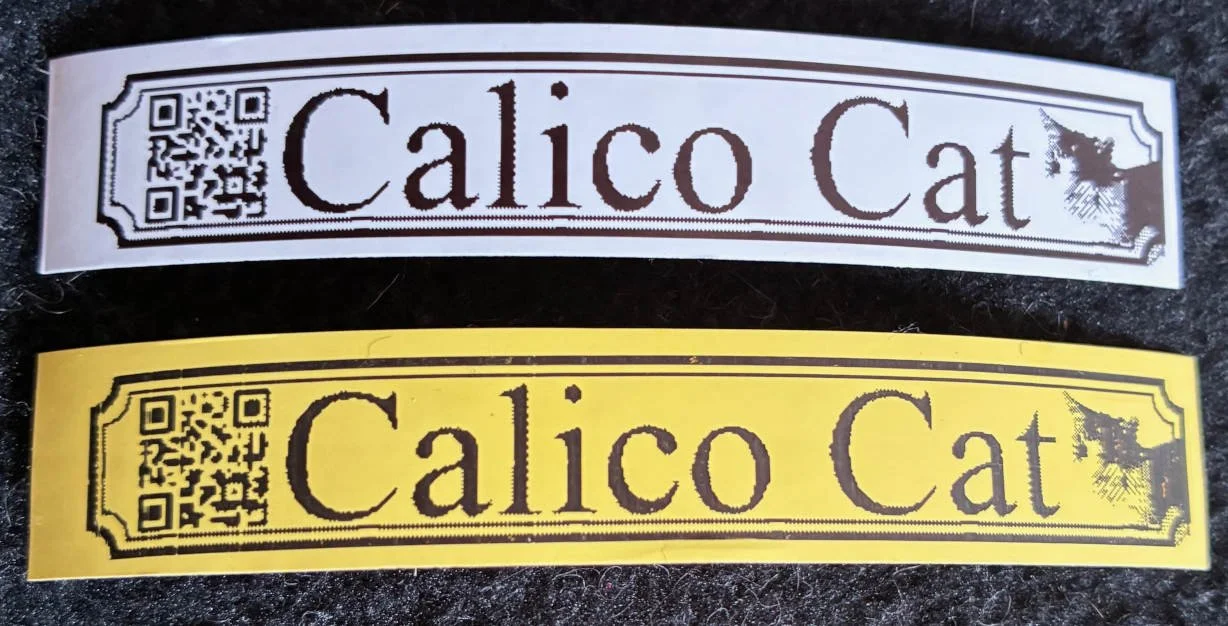
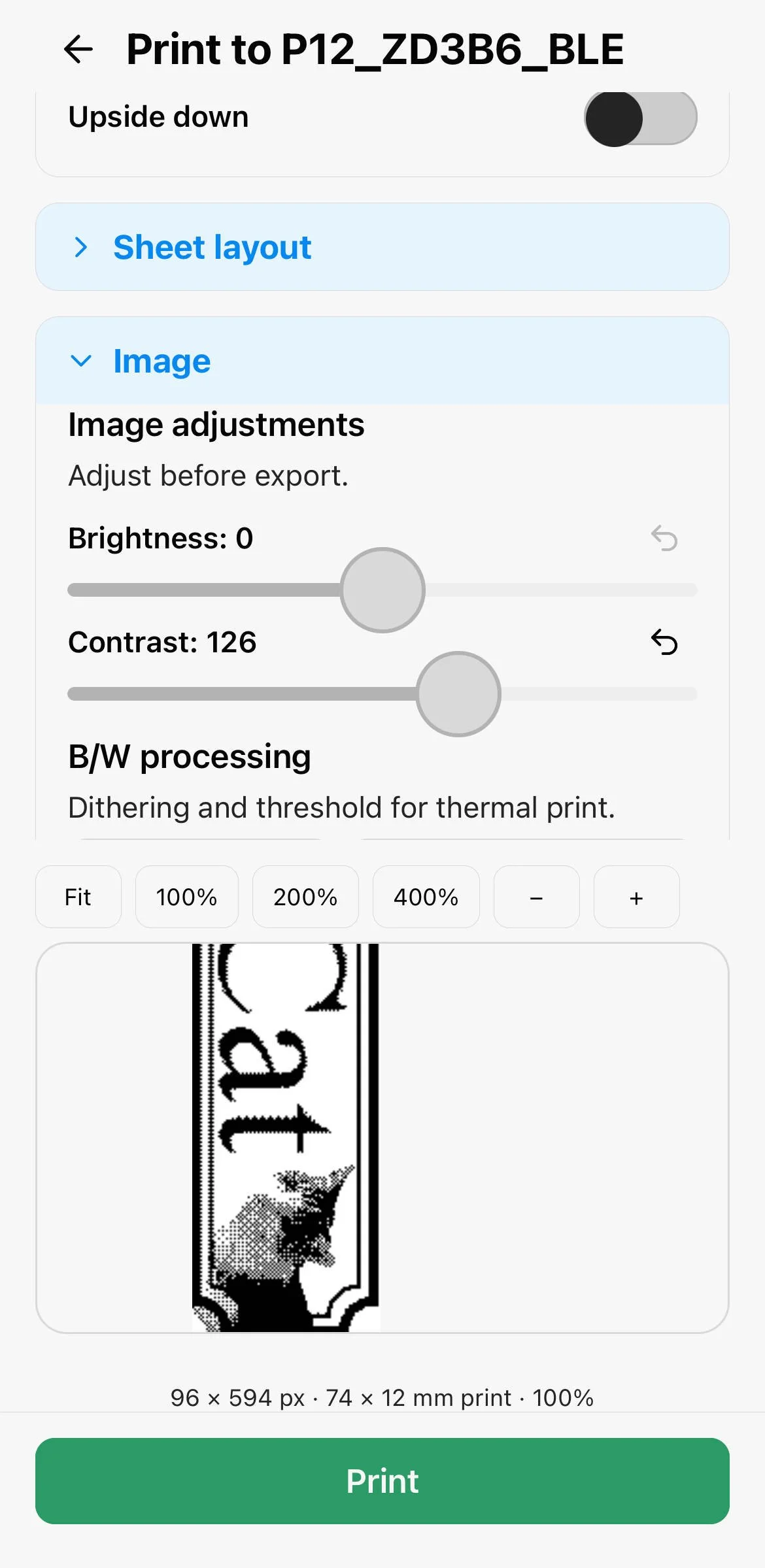
Connect common BLE label printers (Marklife models and “Cat”-Printer models). Print straight from the editor or from template fill-review. No printer handy? Use the system print dialog, export PNG/PDF, or tile labels on A4/Letter sheets for a normal inkjet or laser printer.
Supports single label on multiple pages & multiple labels on single page.
Built for Containd

Inventory on screen, labels on the box
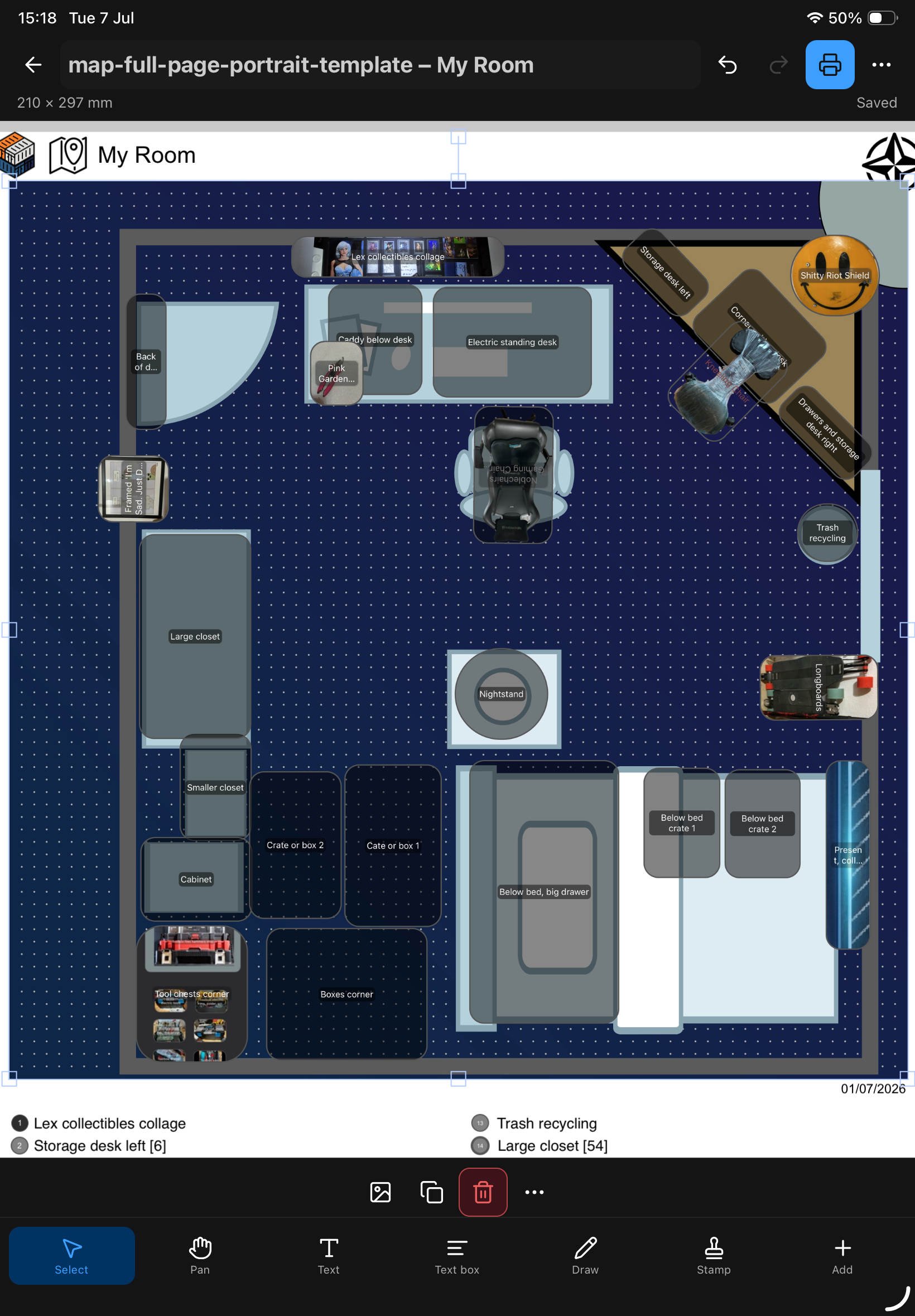
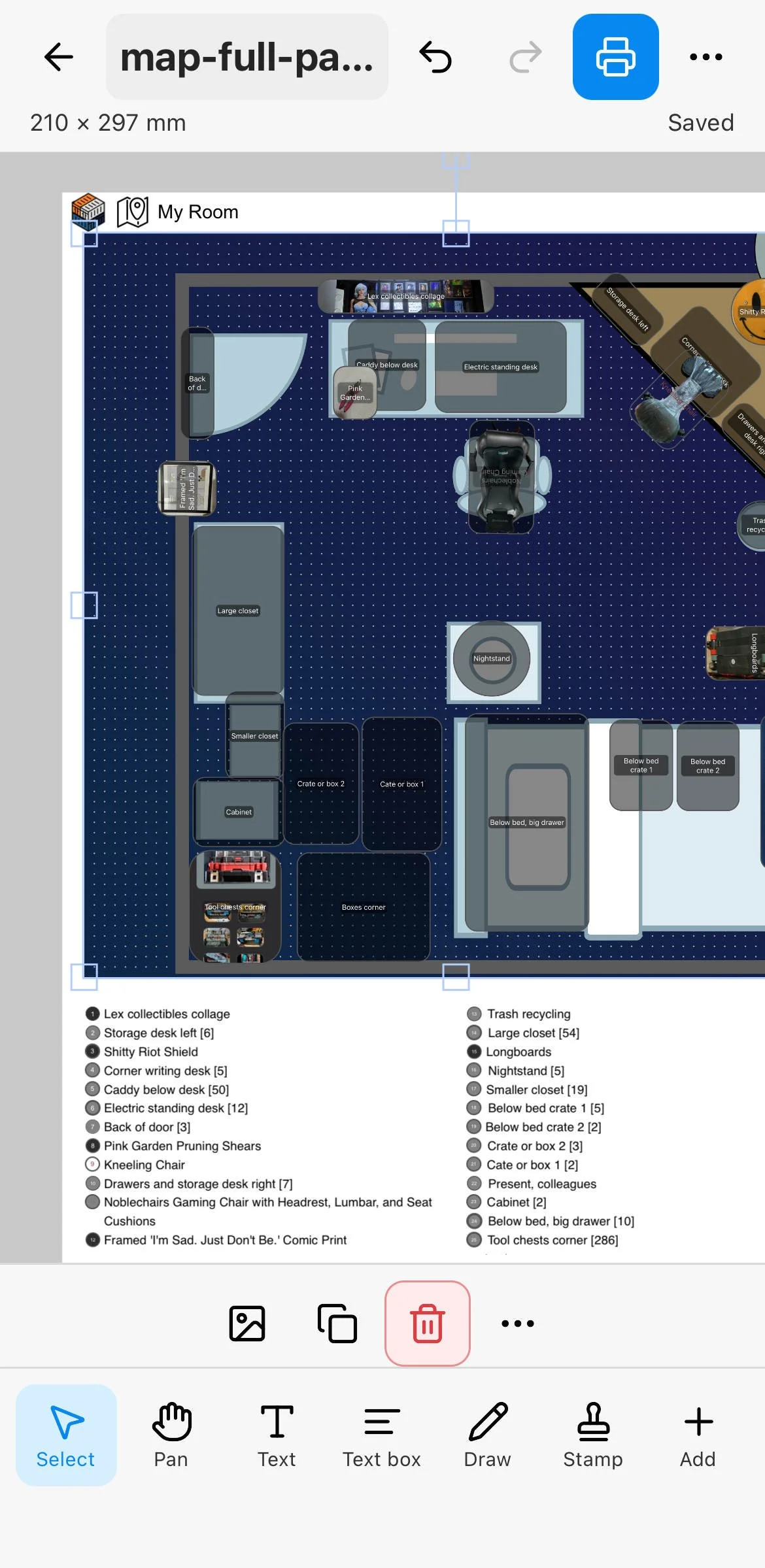
Full Containd canvas exported to Link2Label as map. Map maerkers and legend are generated automatically.
Containd tracks what you store where. Link2Label turns that into physical labels. From Containd, send an item or location with a preset: box label, strip label, sticker label, or map with legend. Link2Label opens, fills the matching template, and shows a print preview. When Containd sends a return link, tap Back to Containd after printing.
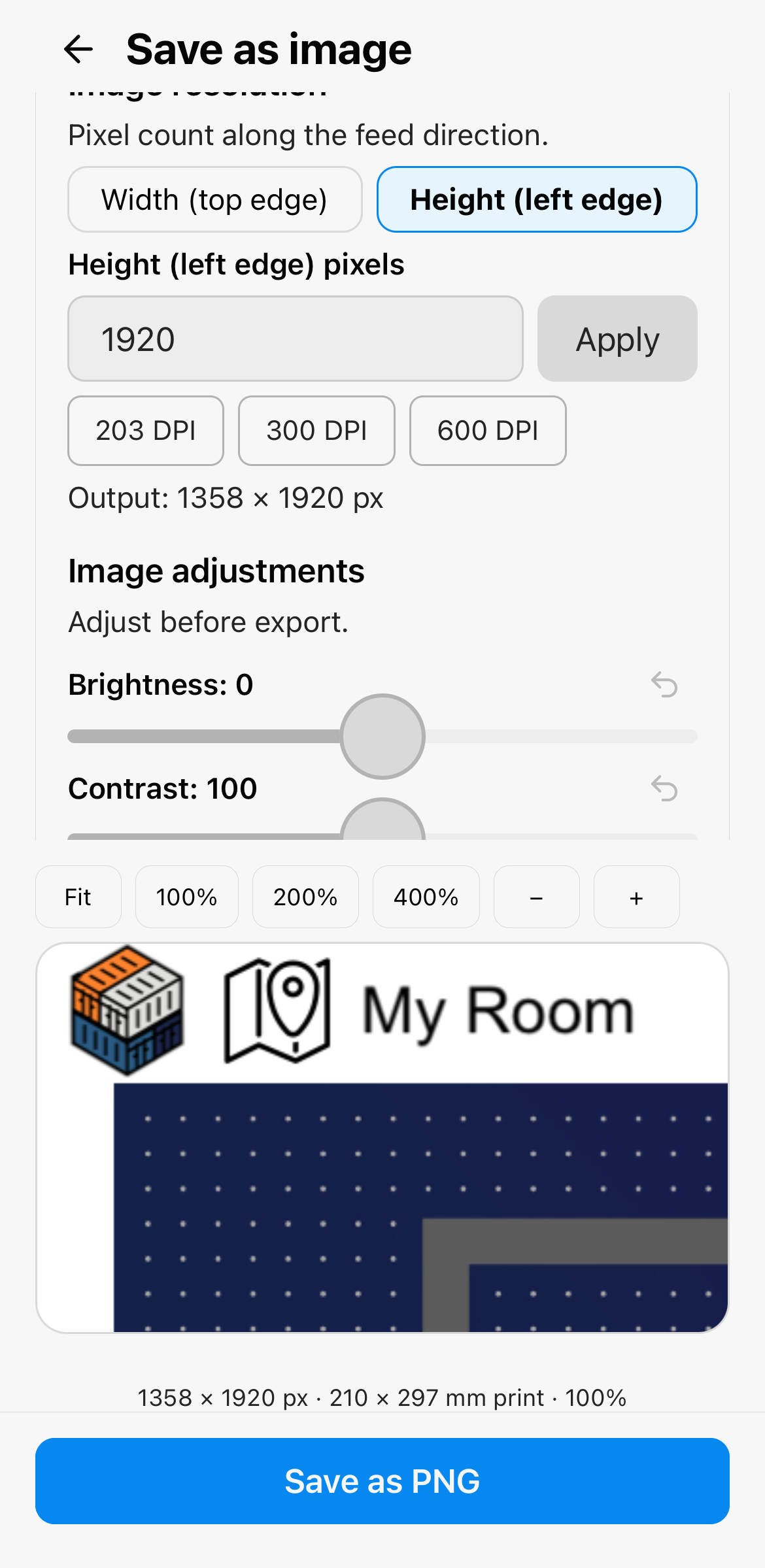
Works the other way too: export a label as PNG and share it to Containd to create an inventory item from the image.