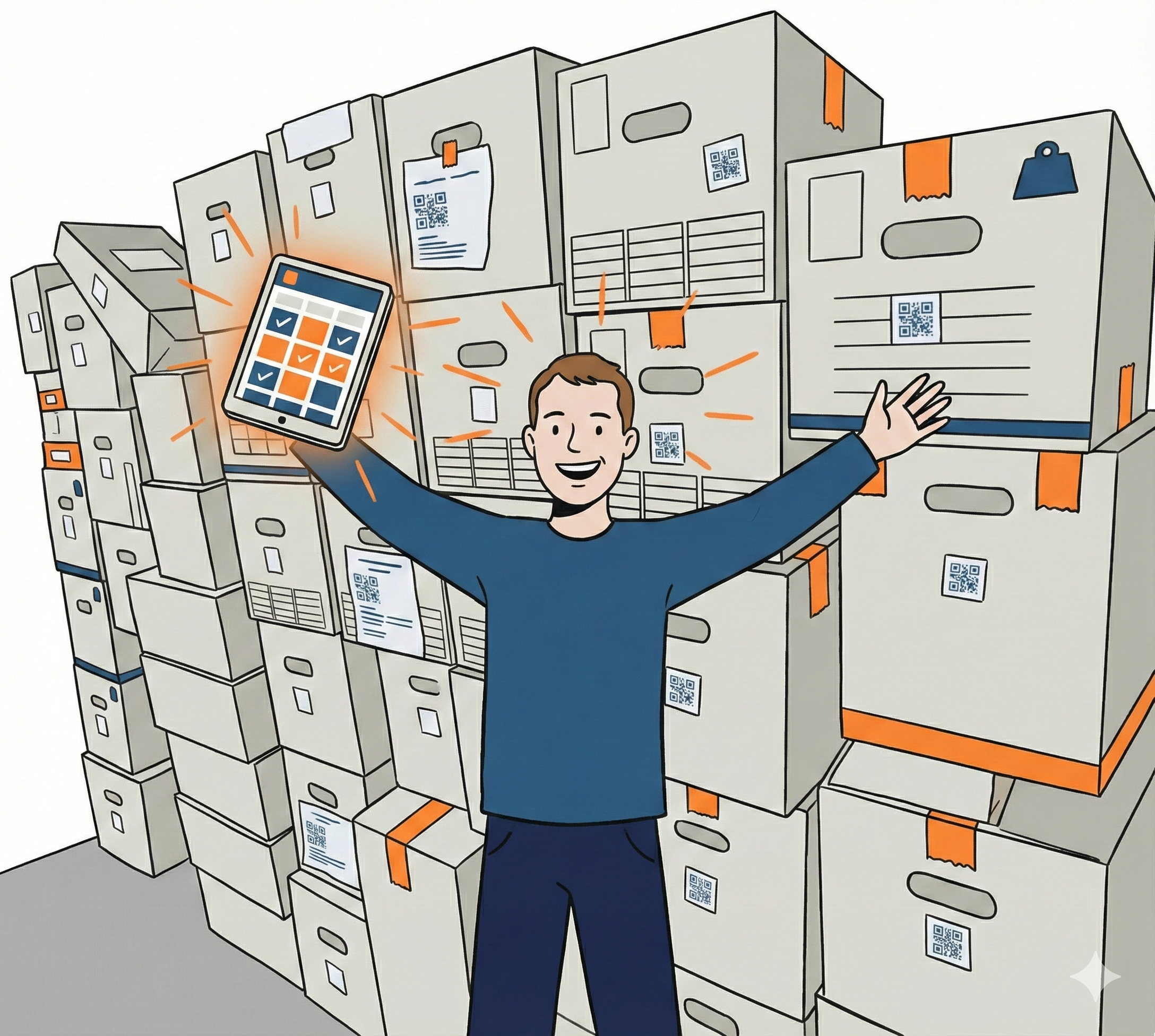
Store boxes and still know what is inside.
Containd helps you build an inventory of boxes, shelves, drawers, and stored items quickly, then find things later through a visual layout, search, and QR-linked labels.
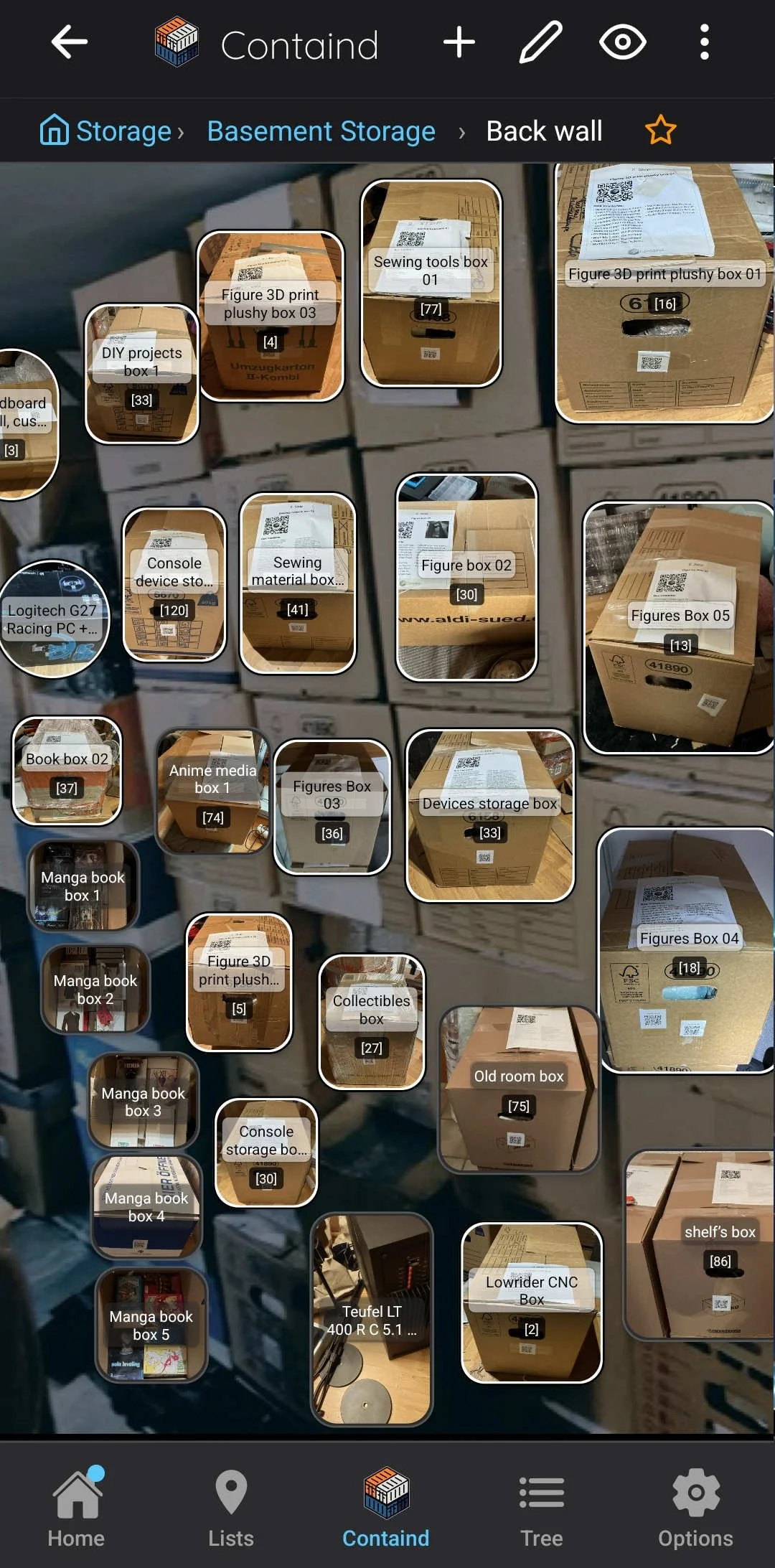
Example: Part of a storage inventory in Containd.
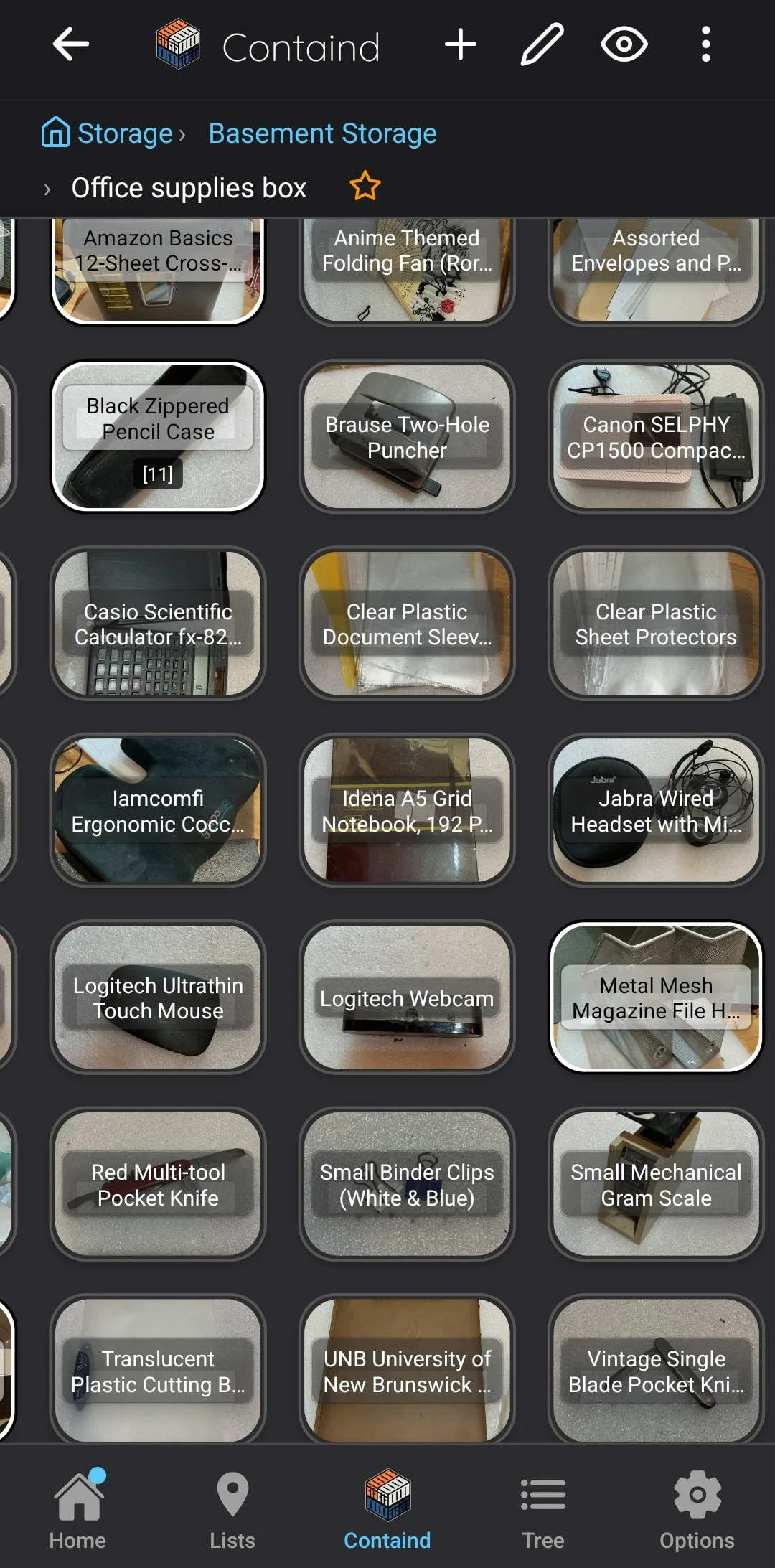
Example: Content of one of the boxes.
Why box storage breaks down fast
Storage gets hard to trust when the label only says “winter stuff” or “misc.” You remember the general area, but not the exact box, shelf, or drawer. That is when stored items stop feeling organized and start feeling lost.
Boxes get labeled too broadly to be useful later.
Rearranging storage makes memory unreliable.
Lists without visual context do not match the real space.
Finding one specific item means opening multiple containers.
Containd is strongest when the problem is not only “what do I own?” but also “which box, shelf, or drawer did I put it in?”
How Containd helps this workflow
Instead of relying on one vague label per box, Containd lets you build a layered inventory: containers, items, images, labels, and a visual map of where everything belongs.
Build inventory fast
Add items manually, from photos, or with optional AI assistance. Create containers first, then drop items into the right place as you go.
Organize visually
Use the 2D canvas to represent shelves, drawers, boxes, and rooms so the app mirrors the space you actually use.
Label and scan back in
Create QR labels for boxes or containers so scanning a code can bring you back to the matching location or item later.